

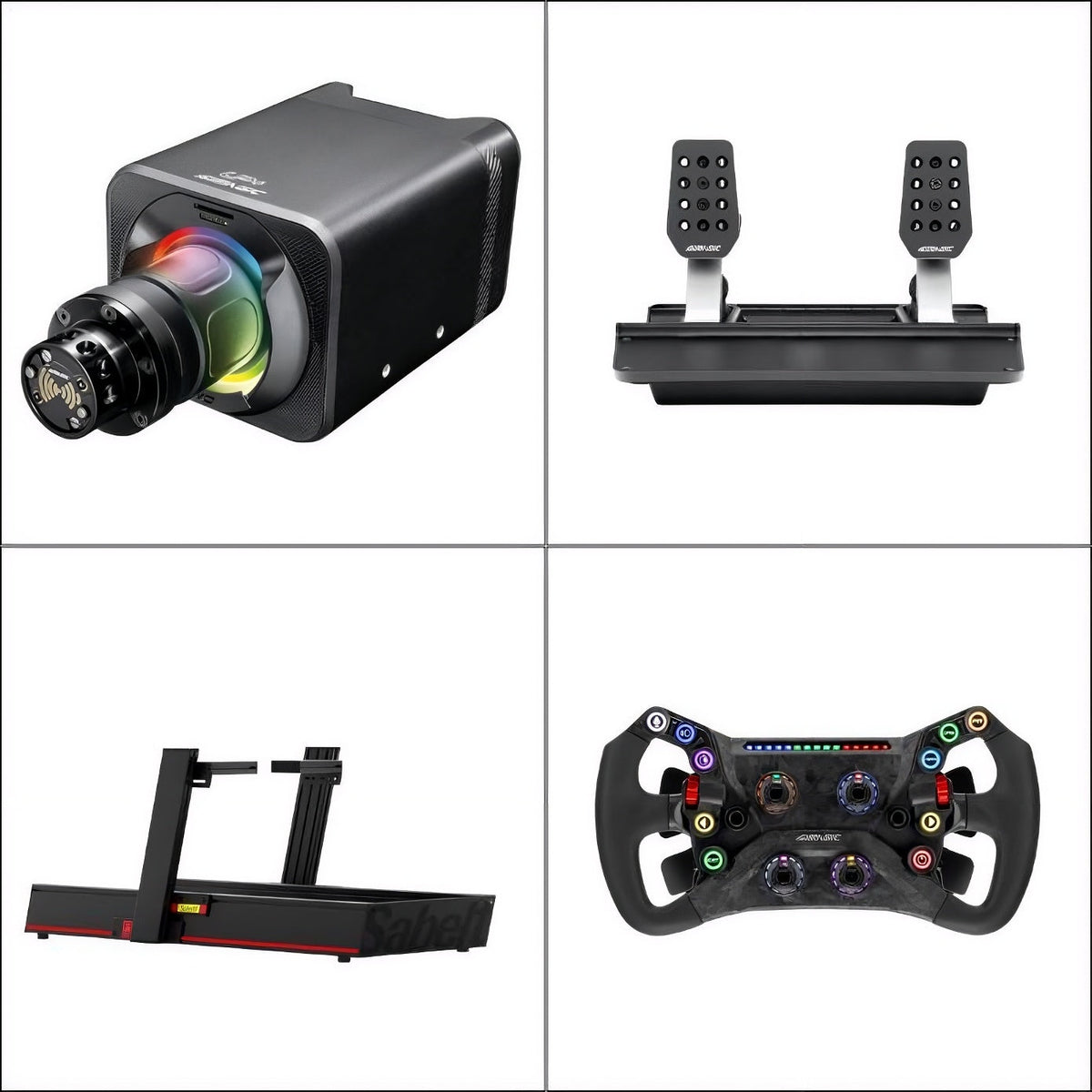

Buying a new wheelbase, steering wheel or pedal set should improve your racing experience, not create another problem to solve.
However, product specifications rarely tell you everything you need to know before ordering. A wheel might require a separate wheelbase, a pedal set may need secure mounting, and a component that works on PC may not support your console.
The following seven checks will help you avoid buying hardware that does not meet your needs.
1. Buying Equipment Without Checking Your Gaming Platform
One of the easiest mistakes is assuming that equipment advertised for sim racing will work with every computer or console. A wheelbase, steering wheel or pedal set may support PC but have different compatibility requirements for PlayStation or Xbox. Even when a device connects physically, its functions may not be supported by your intended platform.
How can you avoid this mistake?
Check the exact model’s supported platforms and connection requirements before ordering. If you play on PC, confirm that your chosen game supports the hardware and that the required drivers are available. If you use a console, check the manufacturer’s platform-specific compatibility information rather than relying on USB connectivity alone.
2. Assuming Everything Shown in a Product Photo Is Included
A product photograph may show a wheelbase with a steering wheel attached or pedals mounted to a frame. That does not necessarily mean every visible component is included. A wheelbase can be sold separately from its steering wheel, mounting hardware or accessories.
Before purchasing, check the package contents and optional components listed on the product page. The Simagic GT Neo Steering Wheel is a steering wheel rather than a complete wheel-and-wheelbase system. Confirm the compatible wheelbase and required connection method before purchasing it for an existing setup.
Practical check: If a product title describes only one component, do not assume the complete racing system is included.
3. Choosing Hardware Without Checking Physical Mounting Requirements
A product can be compatible with your computer and still be unsuitable for your desk or cockpit. Wheelbases require secure mounting, while pedal sets need adequate support during braking. The mounting pattern, available clearance and rigidity of your existing setup all matter.
What should you measure before buying?
Check the available mounting surface, bolt-hole positions, pedal clearance and recommended installation method. If your current frame cannot support the equipment securely, identify the required mounting solution before ordering. Do not rely on photographs alone to determine whether a component will fit.
If you are deciding whether your current mounting arrangement is adequate, use the sim racing cockpit comparison to understand how stand and cockpit designs differ. Check the exact hardware dimensions separately.
4. Overlooking How Different Components Connect
Mixing equipment from different manufacturers can work, particularly on PC, but compatibility should never be assumed. Steering wheels may require specific quick-release systems, electrical connections or adapters. Pedals can have separate connection and software requirements.
Before buying, write down your existing wheelbase model, steering-wheel connection and gaming platform. Check that the new component can communicate with the rest of the setup. For console users, cross-brand compatibility can be especially restrictive.
5. Ignoring the Complete Cost of Your Purchase
The advertised product price may not represent the final amount needed to use your new equipment. Additional mounting brackets, adapters, a compatible wheelbase or other components may be required.
For buyers in Finland, Germany, the Netherlands, Belgium and France, check the total delivered price and applicable VAT at checkout. Calculate the cost of a complete working setup rather than comparing individual product prices in isolation.
6. Choosing Features You Will Not Actually Use
Not every simulator requires the same controls. Someone searching for the best racing sim may be comparing games or driving experiences; that does not automatically mean they need a separate shifter, handbrake or additional steering wheel.
A driver who mainly races modern Formula cars may have different control needs from someone practising rally or drifting. Choose specialist controls only when they serve a clear purpose in the cars you drive.
To identify whether your current setup has a genuine limitation, read what to upgrade first in a sim racing setup before adding more hardware.
7. Ordering Without Checking the Correct Variant and Return Conditions
Before checkout, confirm the exact model, package contents, selected variant, delivery destination and return conditions. For example, when comparing the Simagic P500 2-Pedal Set, check whether a two-pedal configuration suits your preferred cars and whether a compatible clutch option is available if needed.
Check the retailer’s current product details, availability and delivery estimate before payment. If you are unsure about compatibility, request confirmation for your exact combination rather than ordering based on an assumption.
Sim Racing Equipment: Final Pre-Purchase Checklist
Use this quick check before you order. It can reveal an overlooked requirement while you still have time to compare alternatives.
| What to check | Question to answer before buying |
|---|---|
| Gaming platform | Does the exact model support my PC or console? |
| Package contents | Are the wheelbase, wheel, pedals and required accessories included? |
| Mounting | Can my desk or cockpit support and securely mount the hardware? |
| Connections | Do I need an adapter, cable or quick-release system? |
| Total cost | Have I included essential accessories, applicable VAT and delivery? |
| Intended use | Will I actually use the features I am paying for? |
| Order details | Is the correct variant available, and have I checked delivery and returns? |
Make Your Next Equipment Purchase With Confidence
Useful sim racing gear is hardware that works correctly with the equipment you already own and supports the driving experience you want. Before buying, confirm compatibility, package contents, mounting requirements and the complete cost.
Once you know what you need, compare suitable options in the Sim Racing Gear collection without paying for unnecessary or incompatible components.


Share:
Do You Need a Shifter or Handbrake for Sim Racing? Rally, Drift & GT Setup Guide
Steering Controllers: How to Map GT Wheel Buttons and Fix Common Problems