


Simucube 2 Link Quick Release Adapter


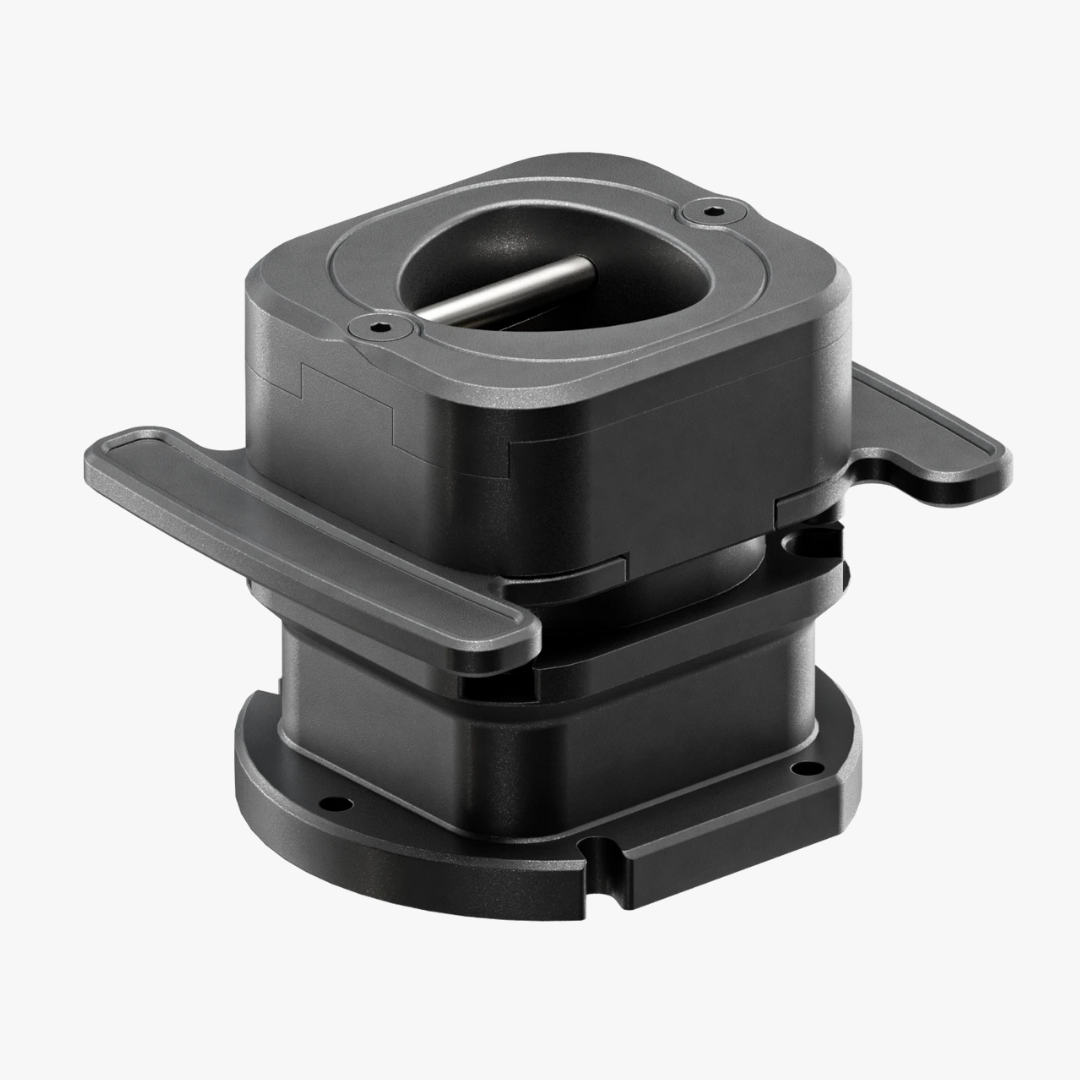
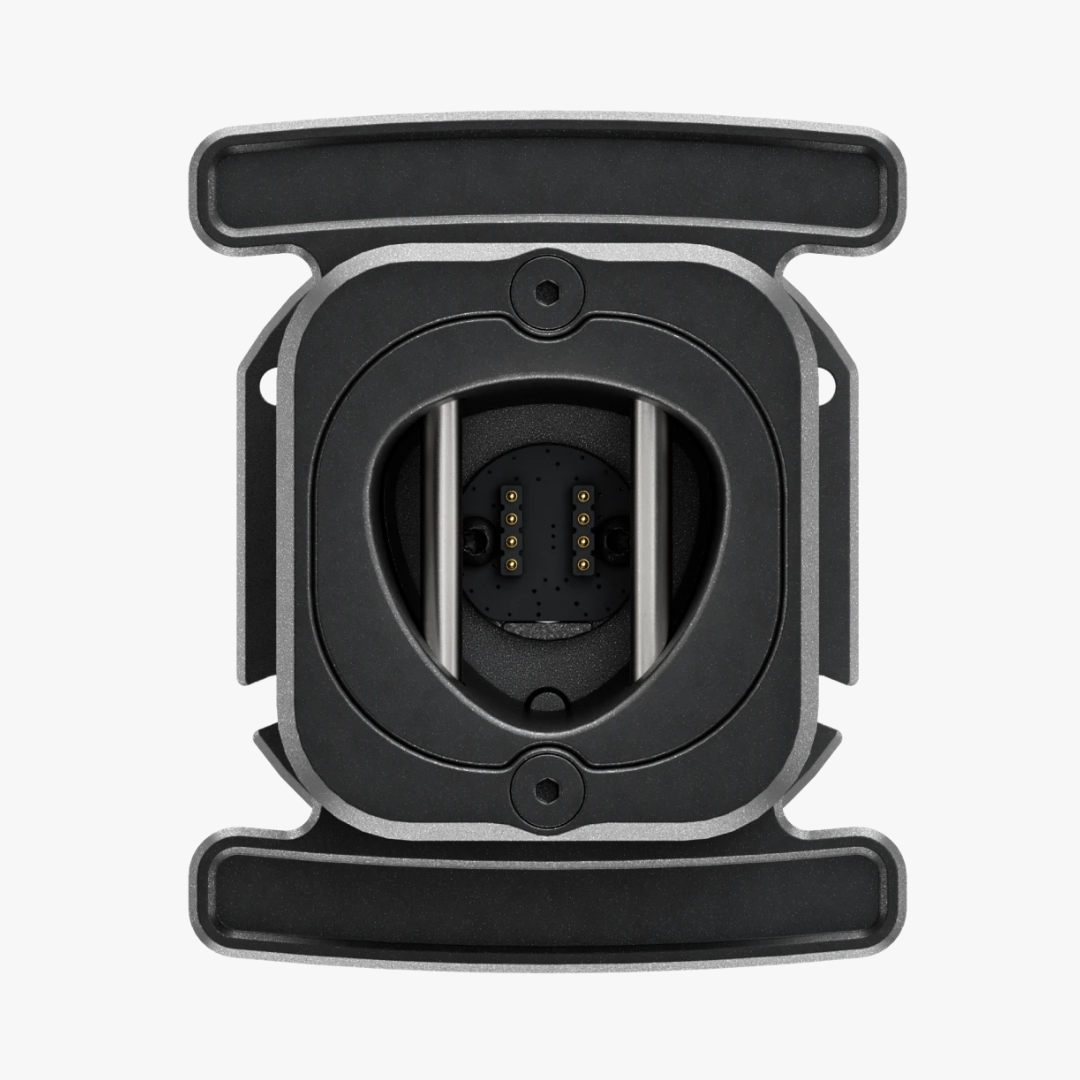
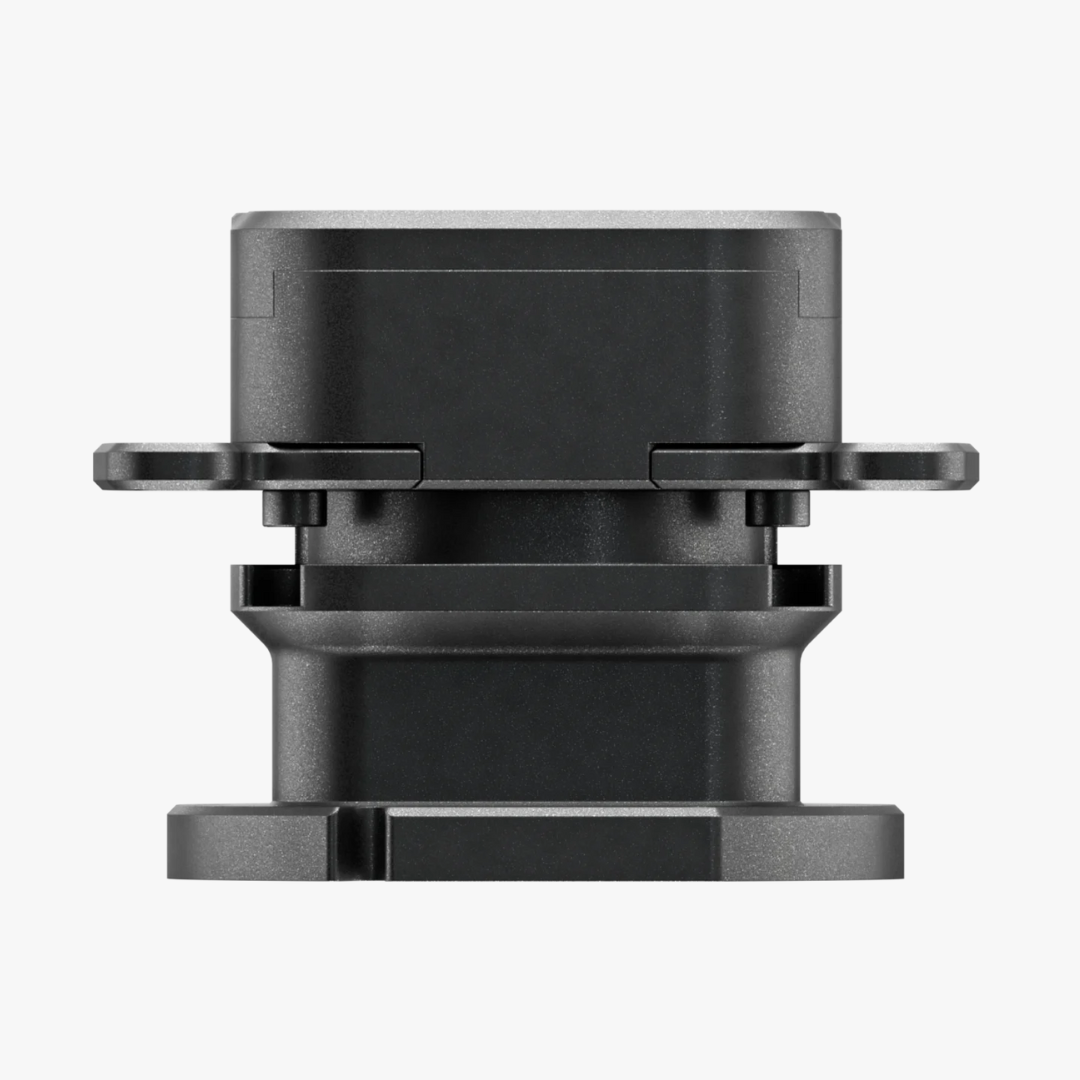
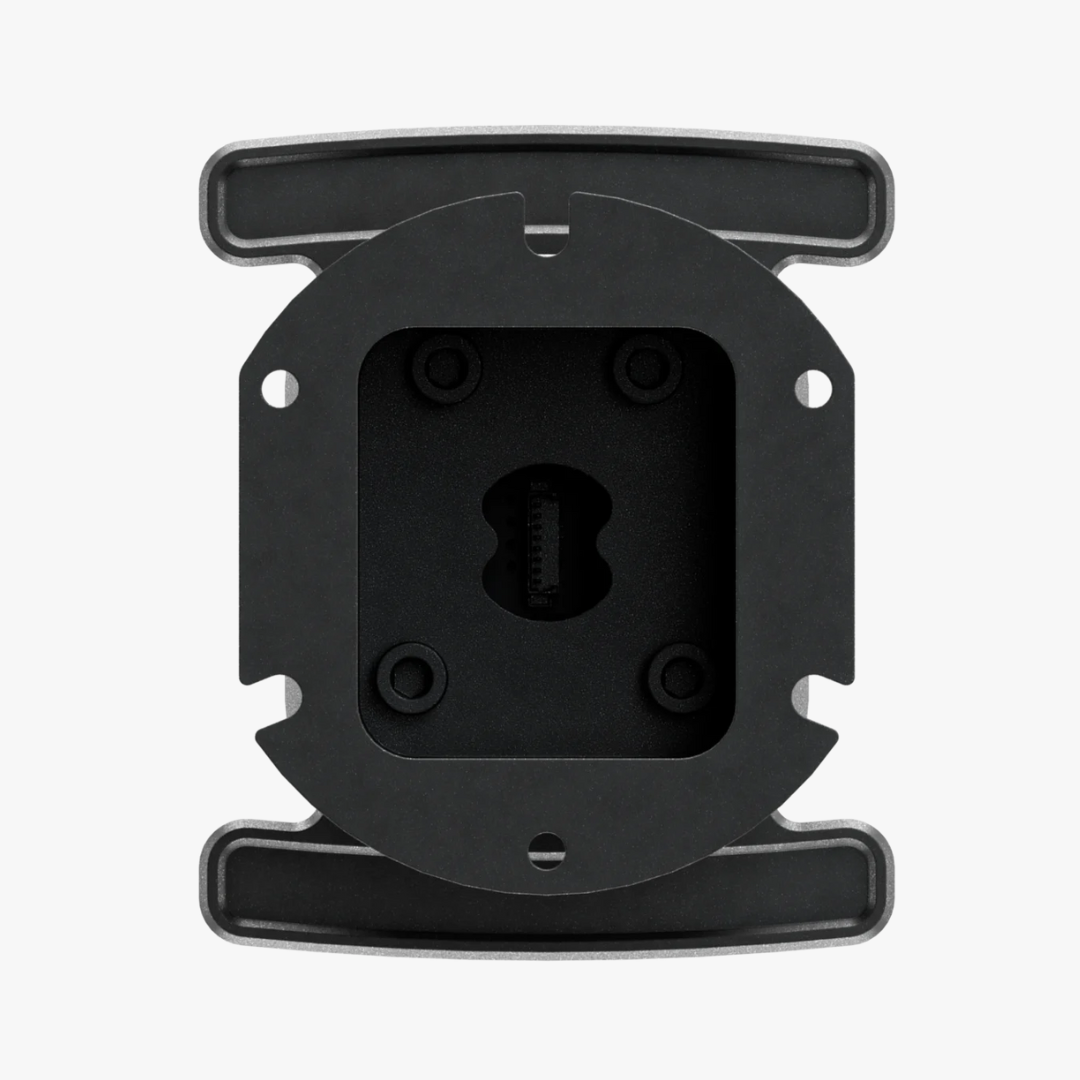


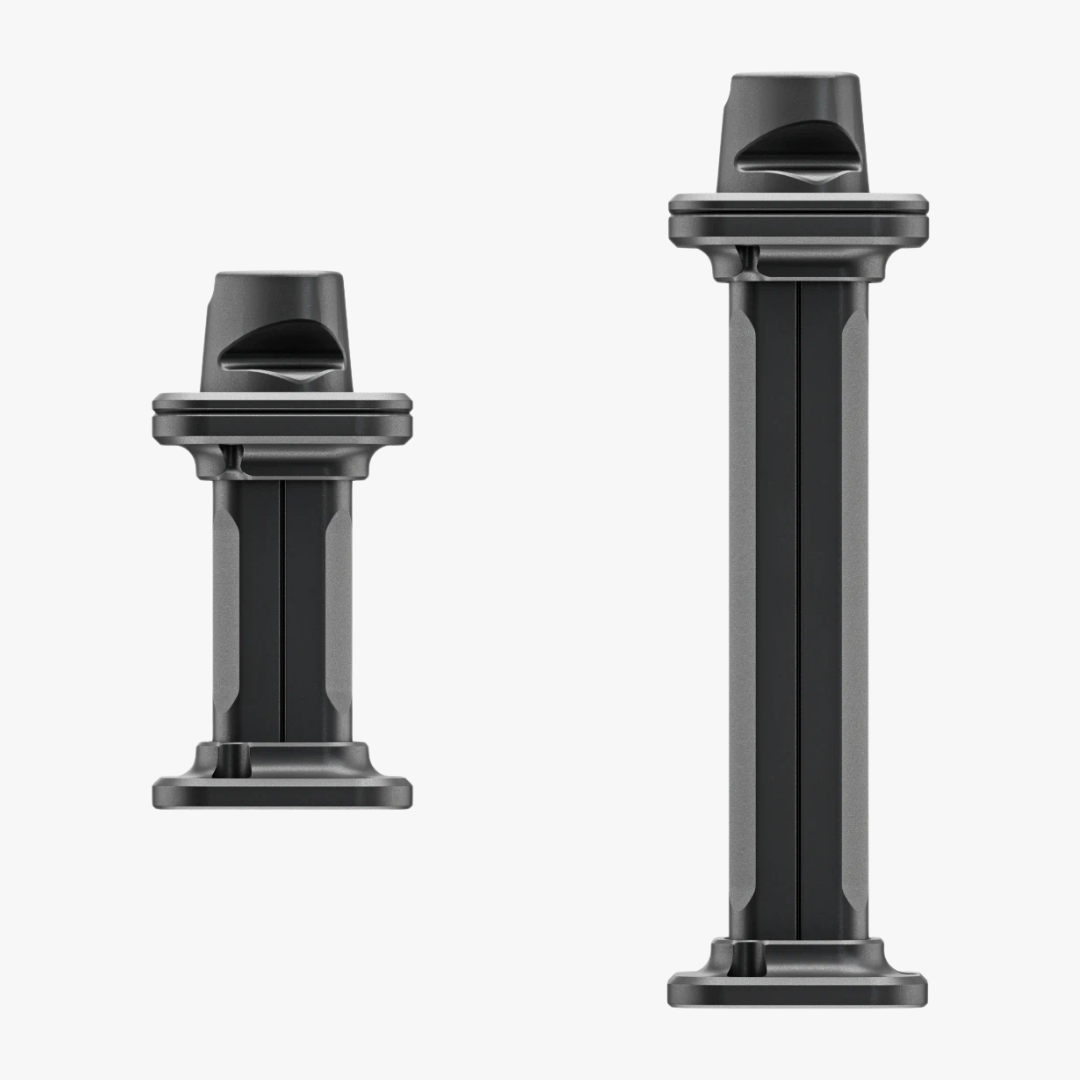


Simucube 3 Shaft Extension Kit


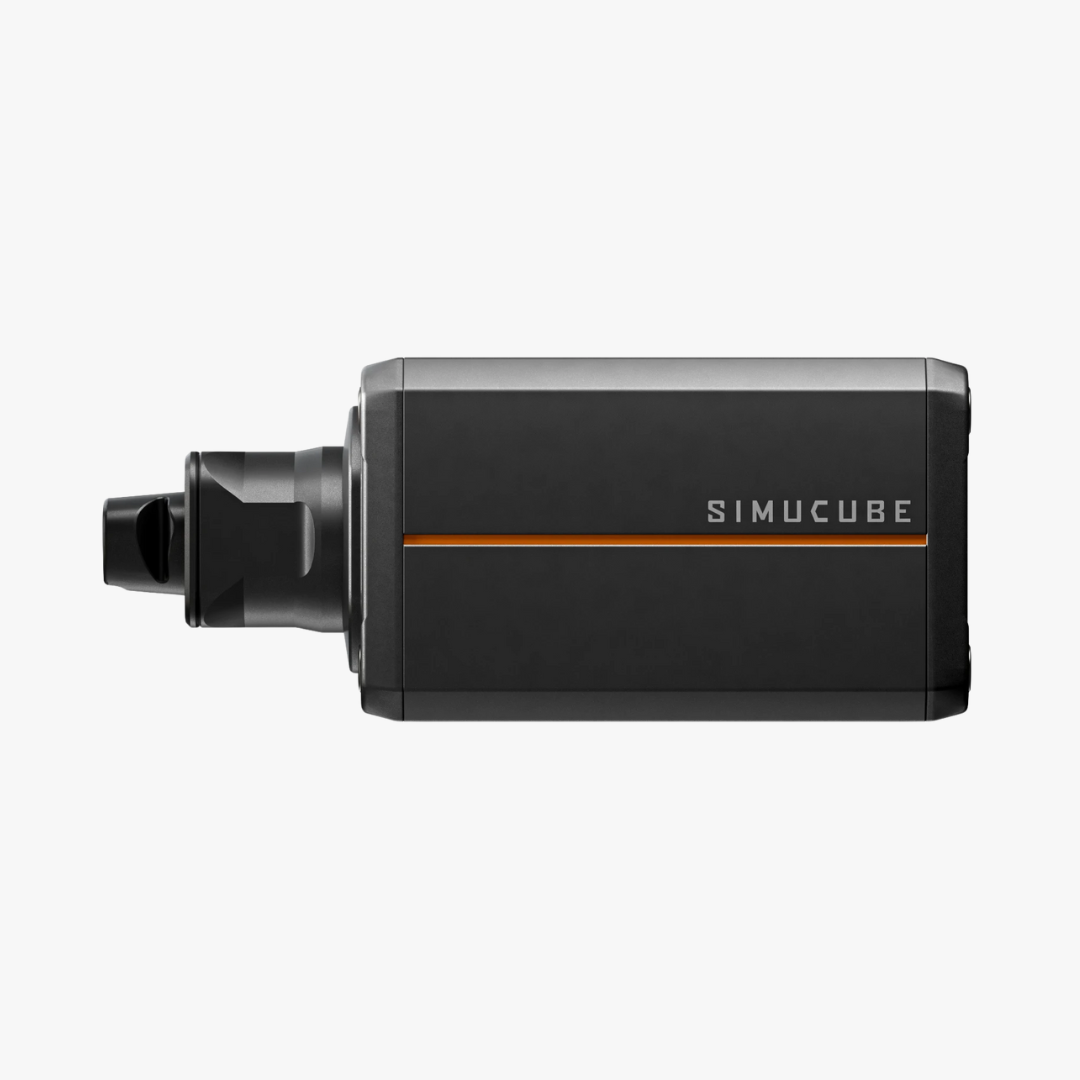
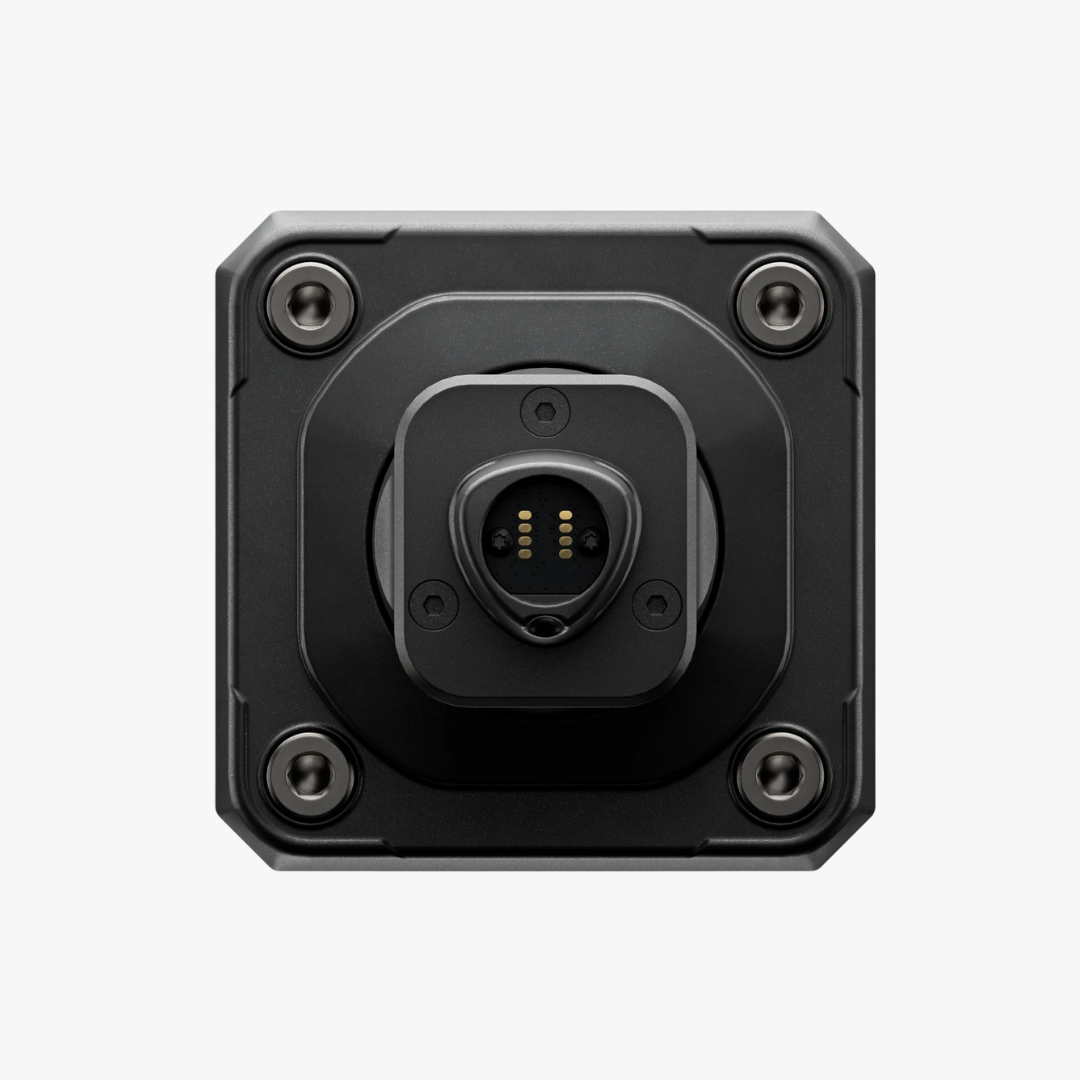
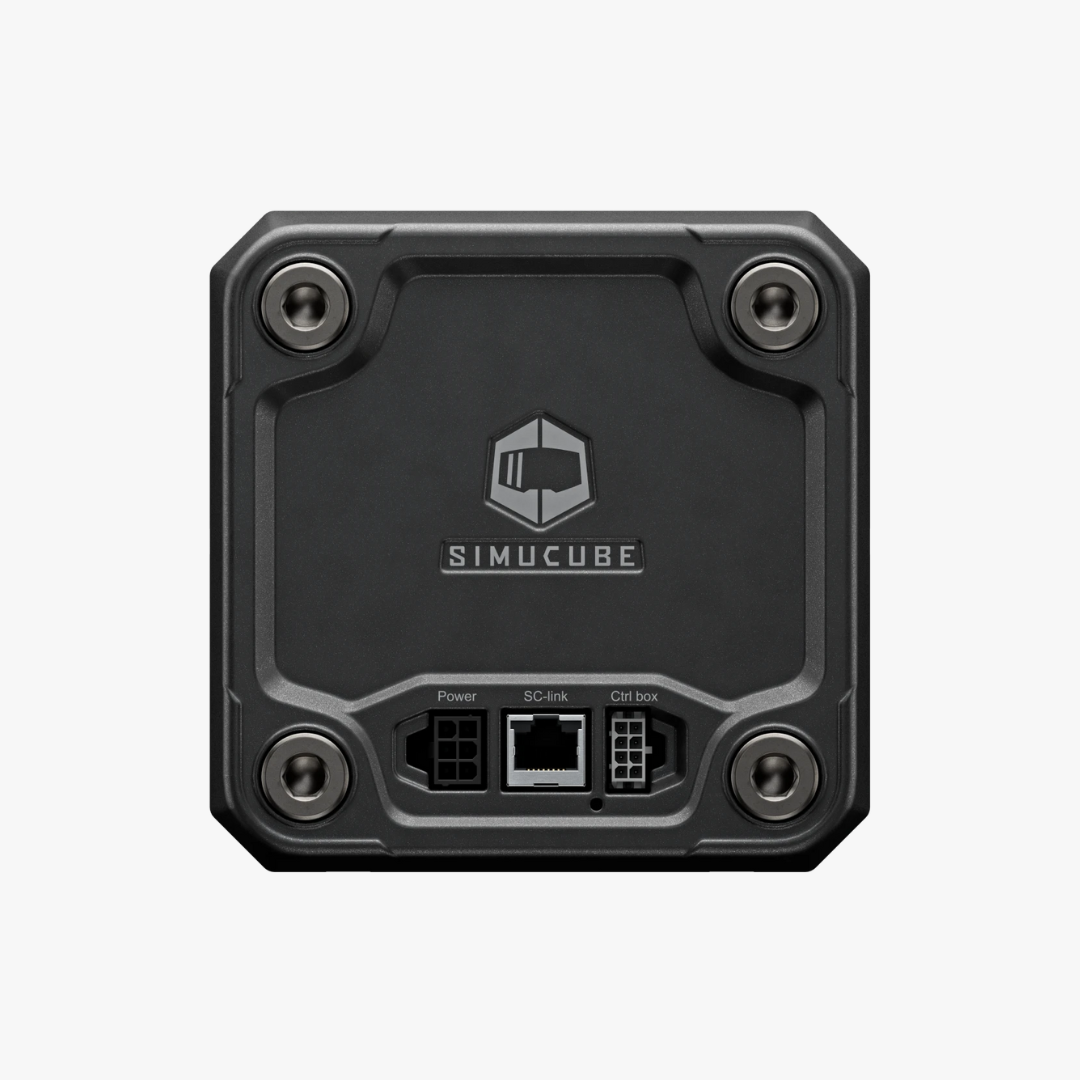
Simucube 3 Ultimate Wheel Base

Shop the Creator
See what gear our creators are running!


Simucube 50.8 mm to 70 mm Adapter
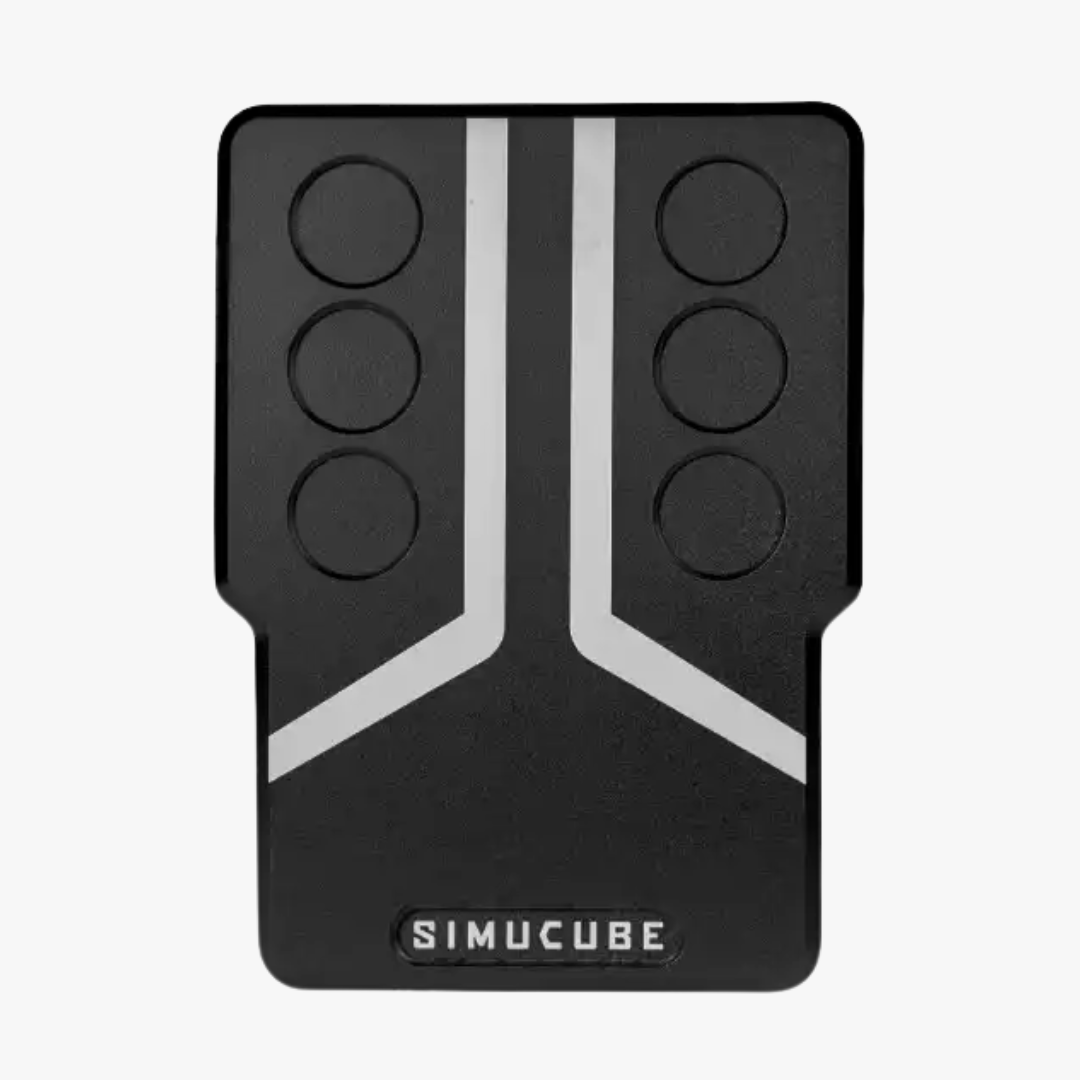
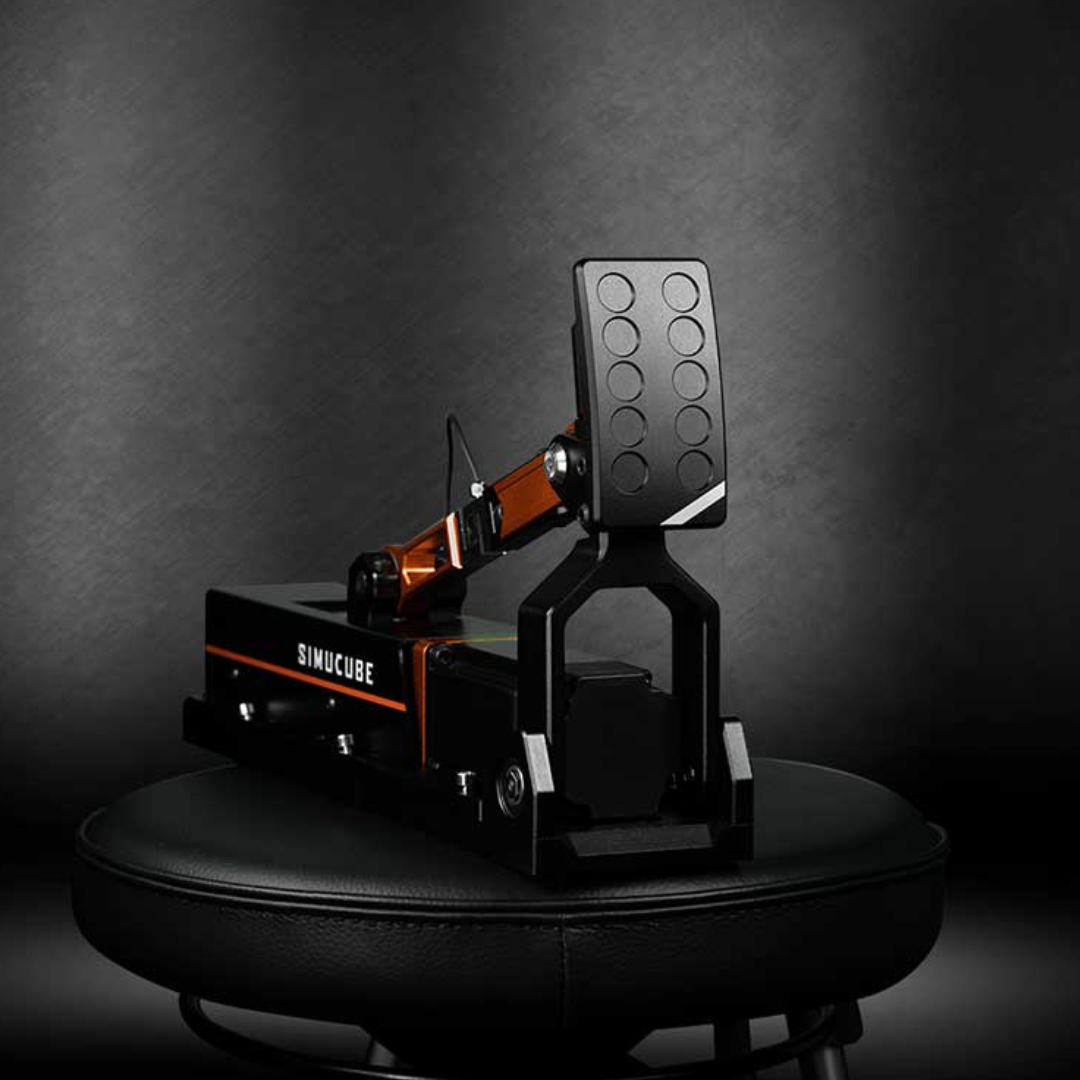
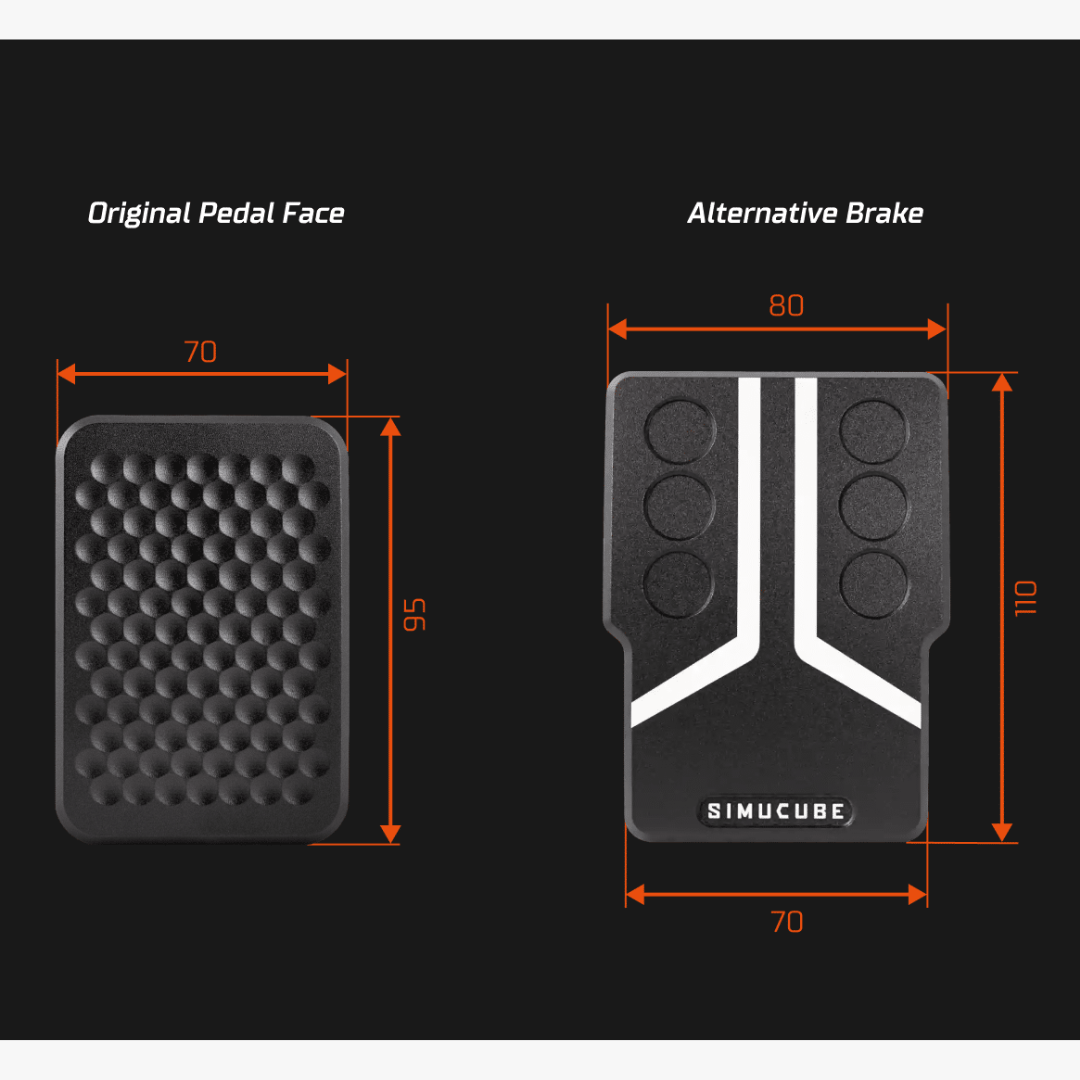
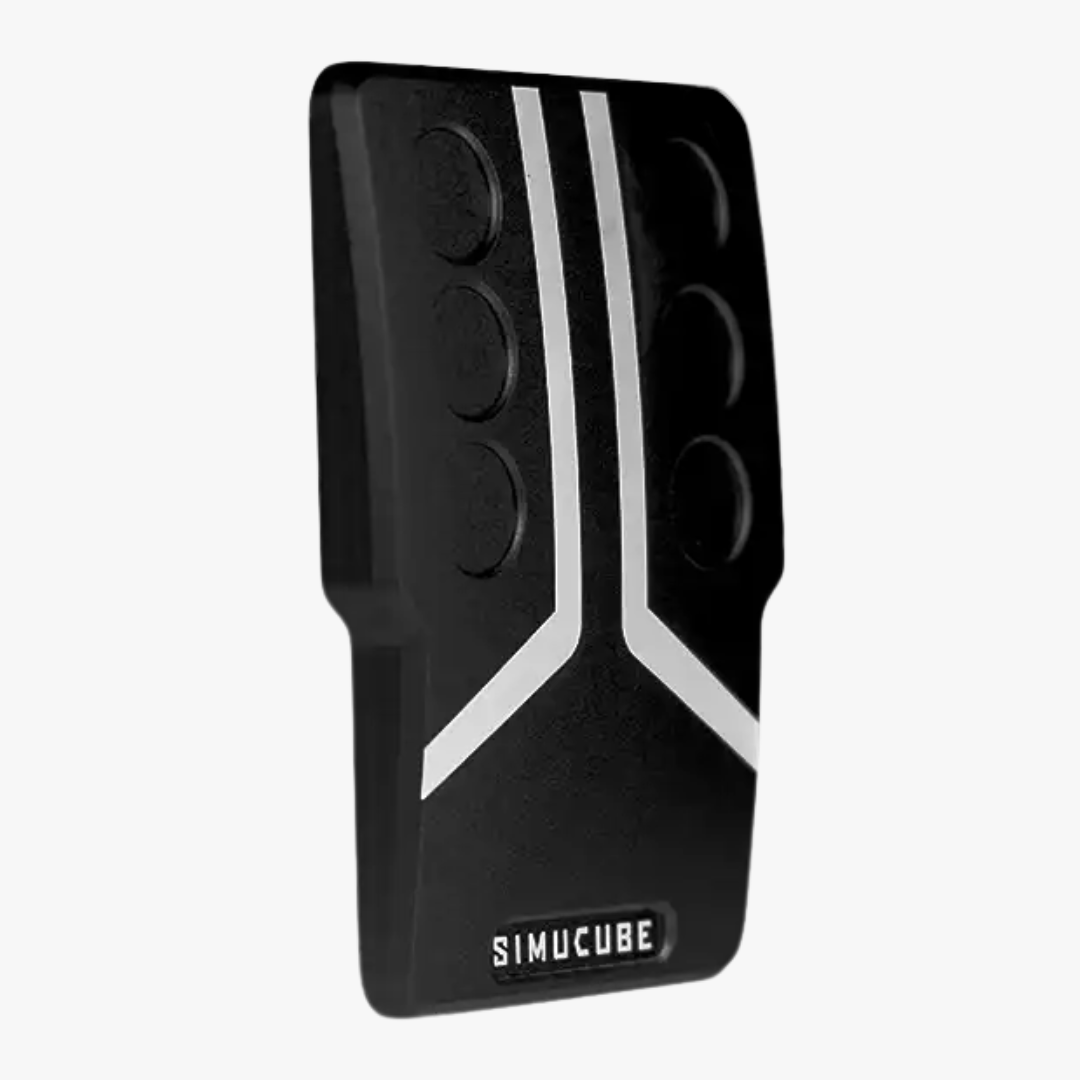
Simucube ActivePedal Brake Pedal Face Plate


Simucube ActivePedal Clutch Pedal Face Plate

Simucube ActivePedal Connector for Heusinkveld Sim Pedals


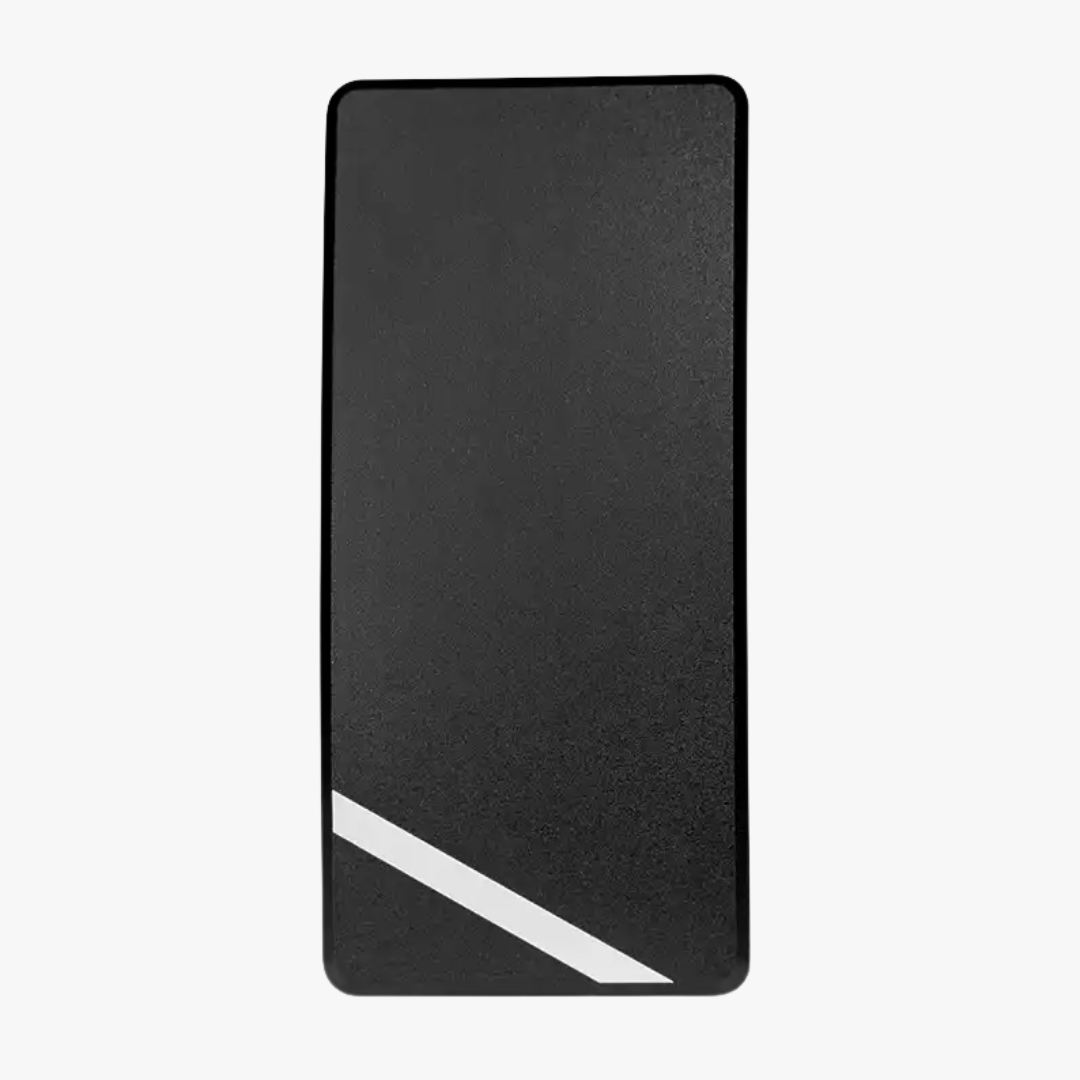
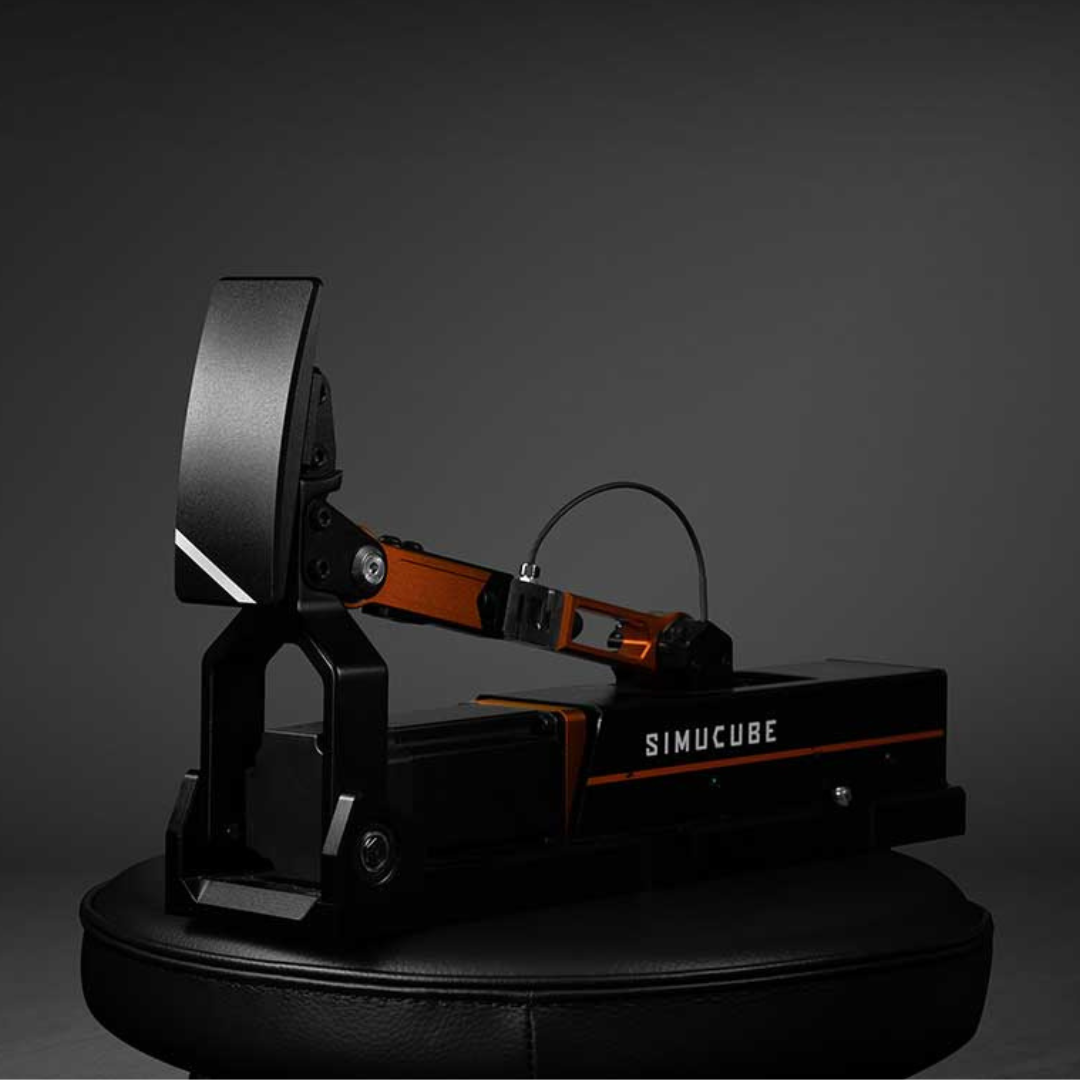
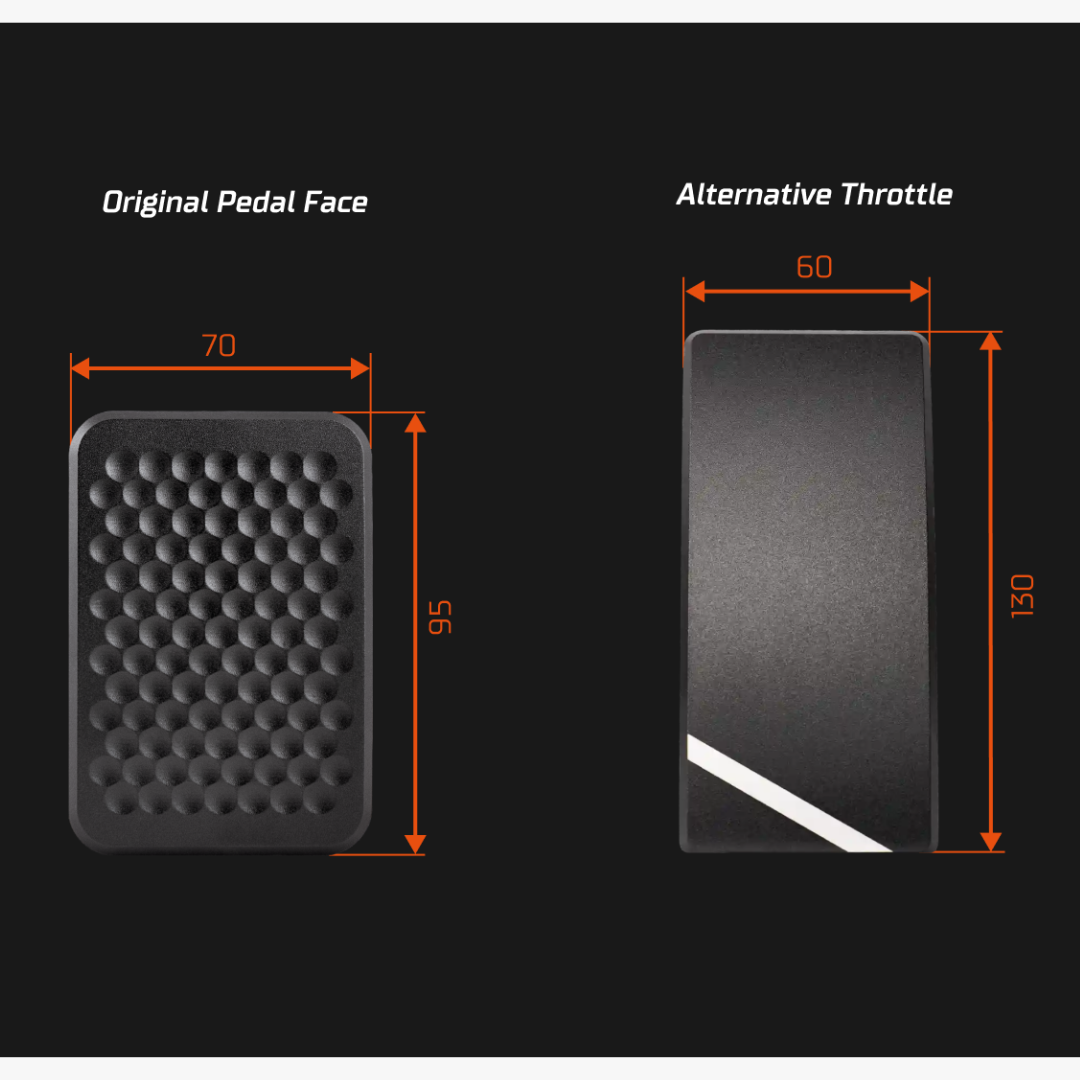
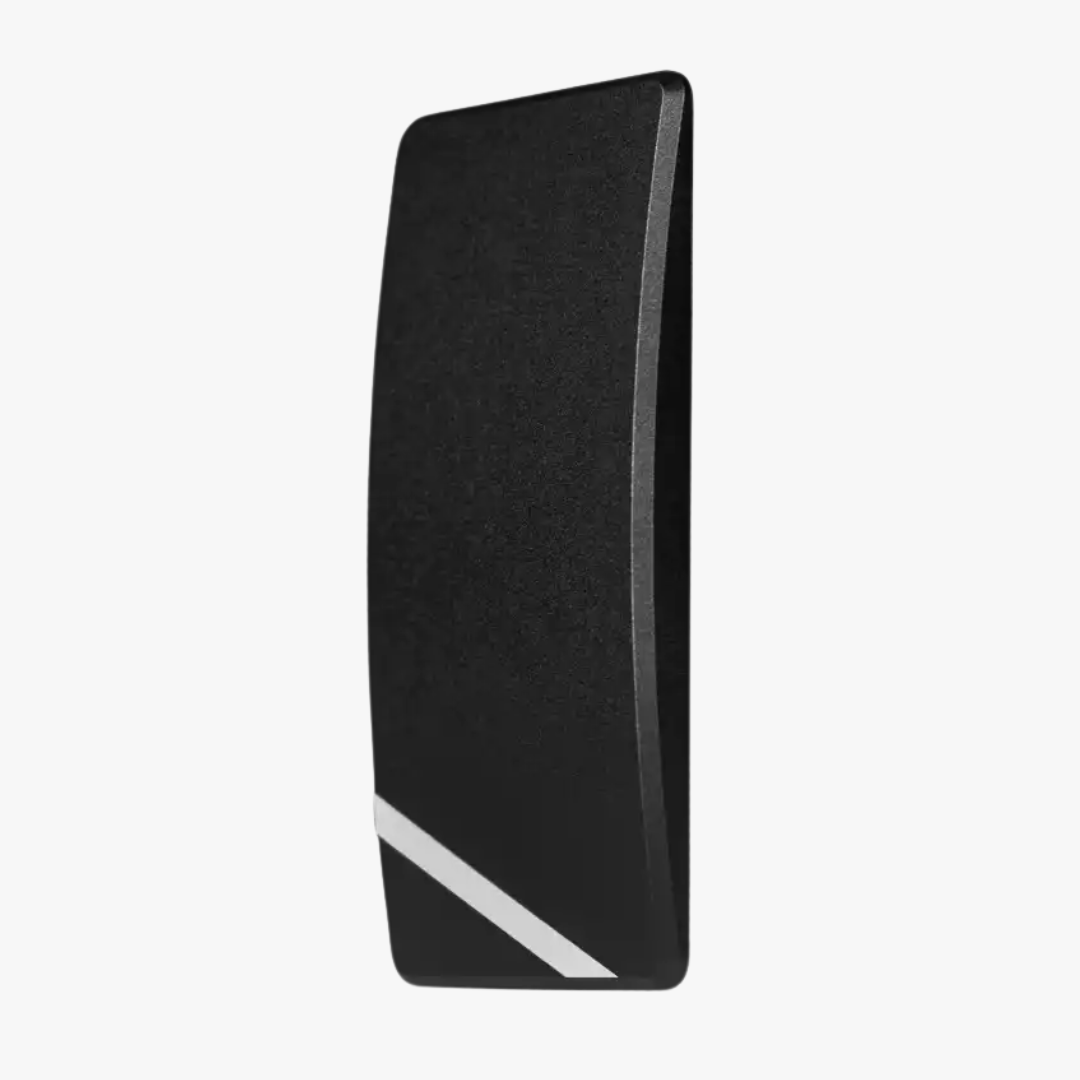
Simucube ActivePedal Throttle Pedal Face Plate


Simucube ActivePedal Ultimate Add-on
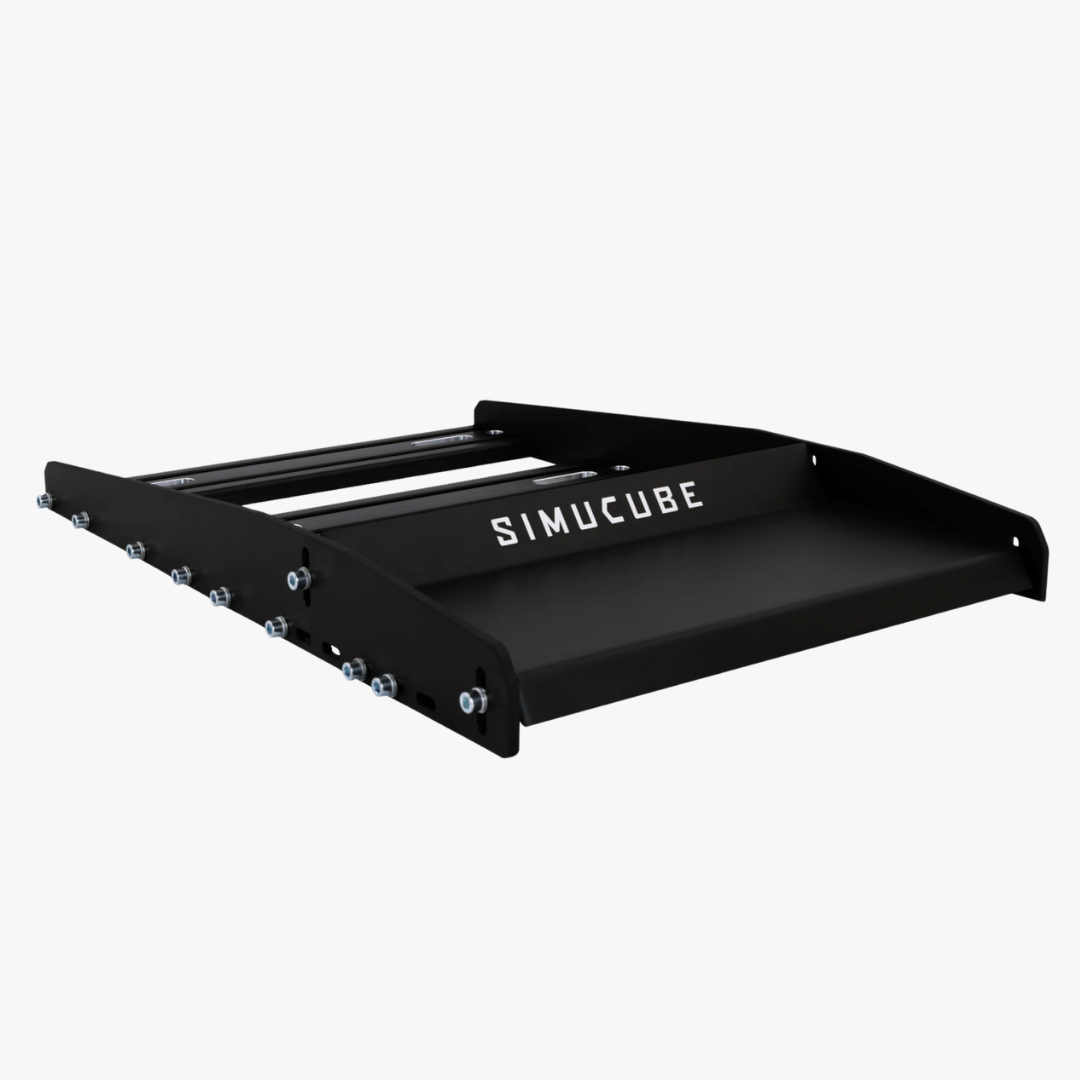


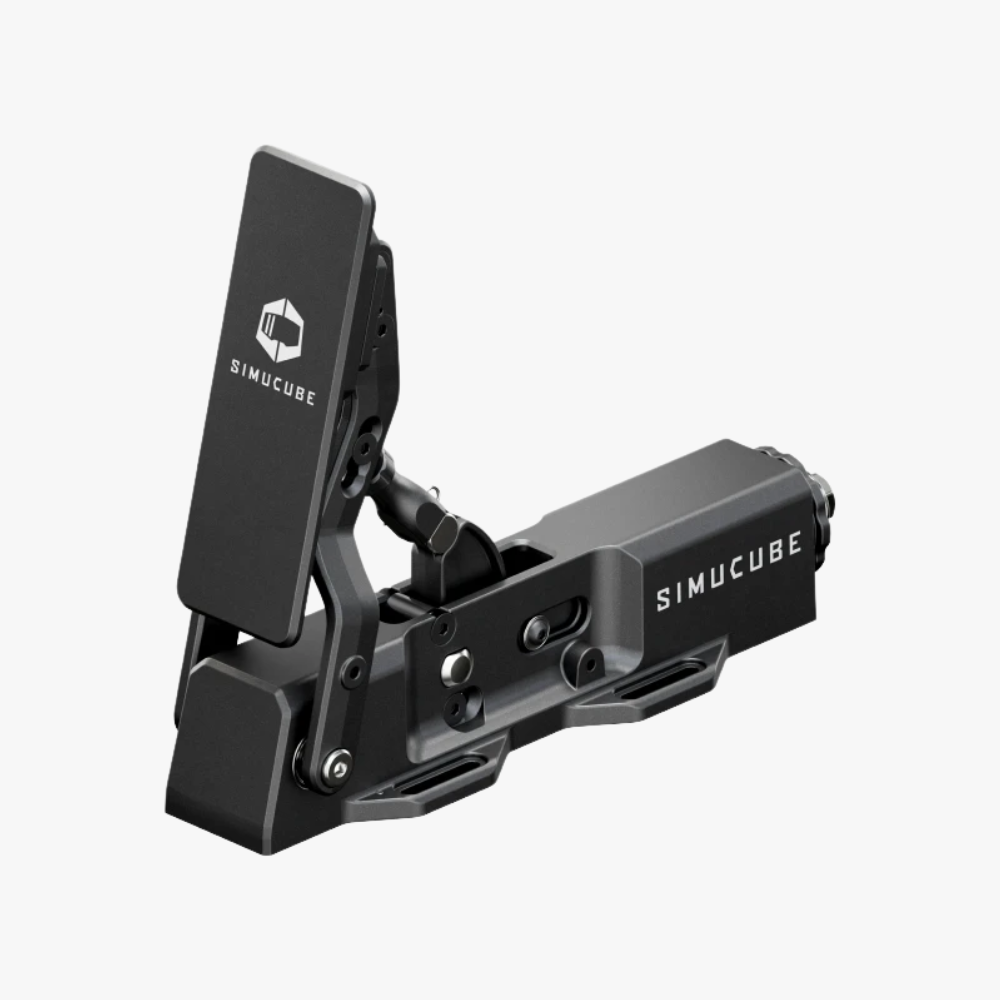
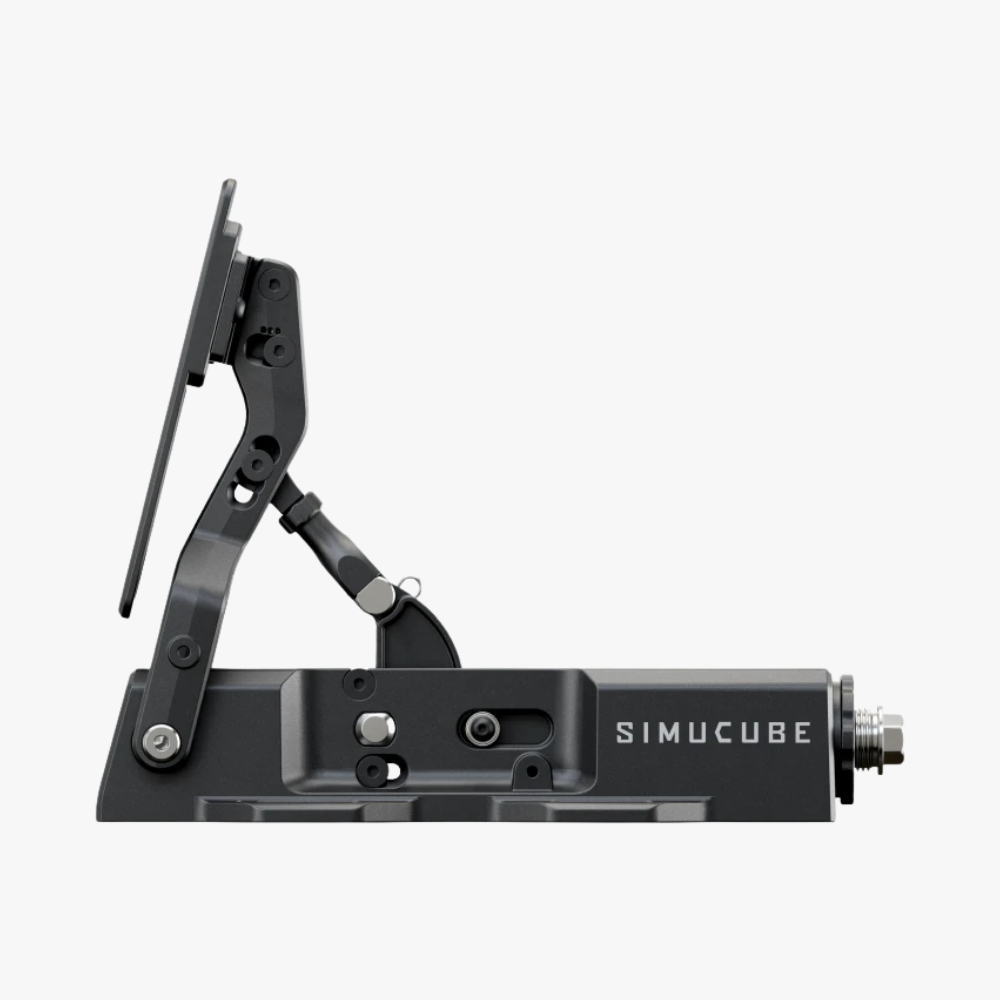
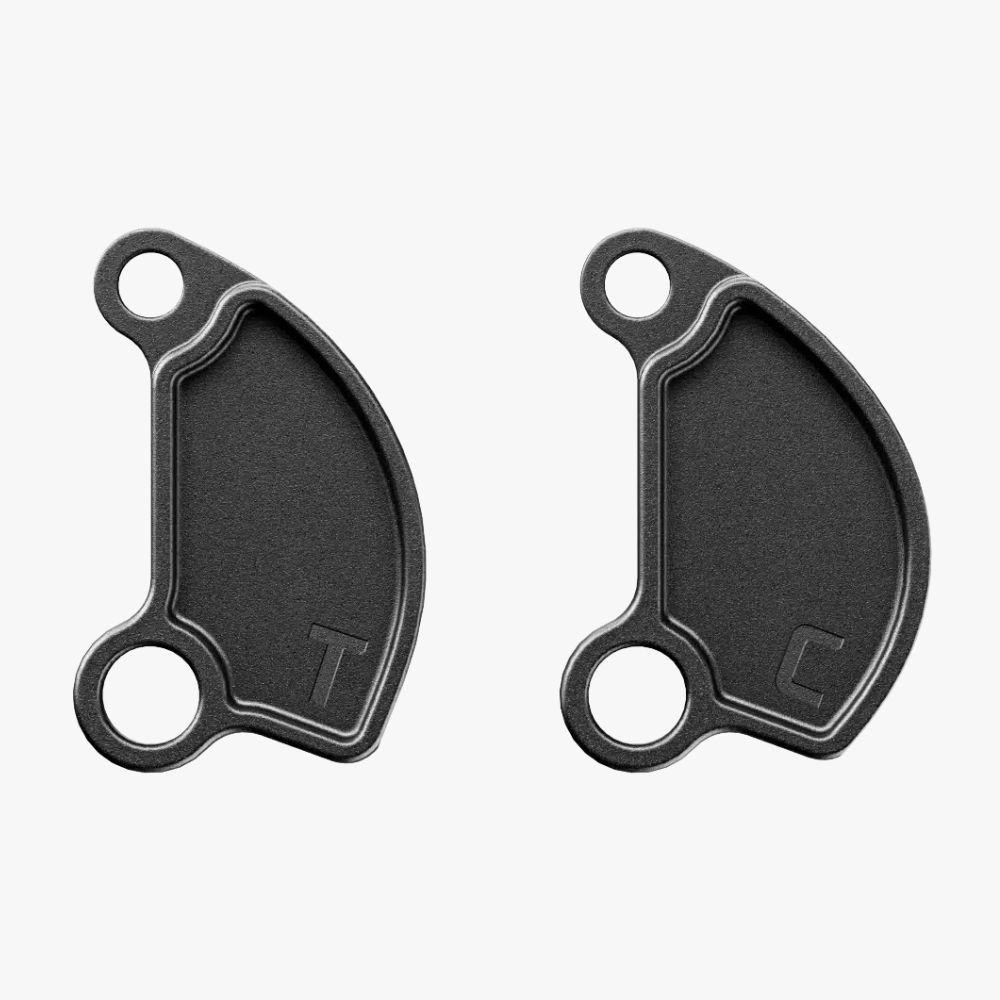
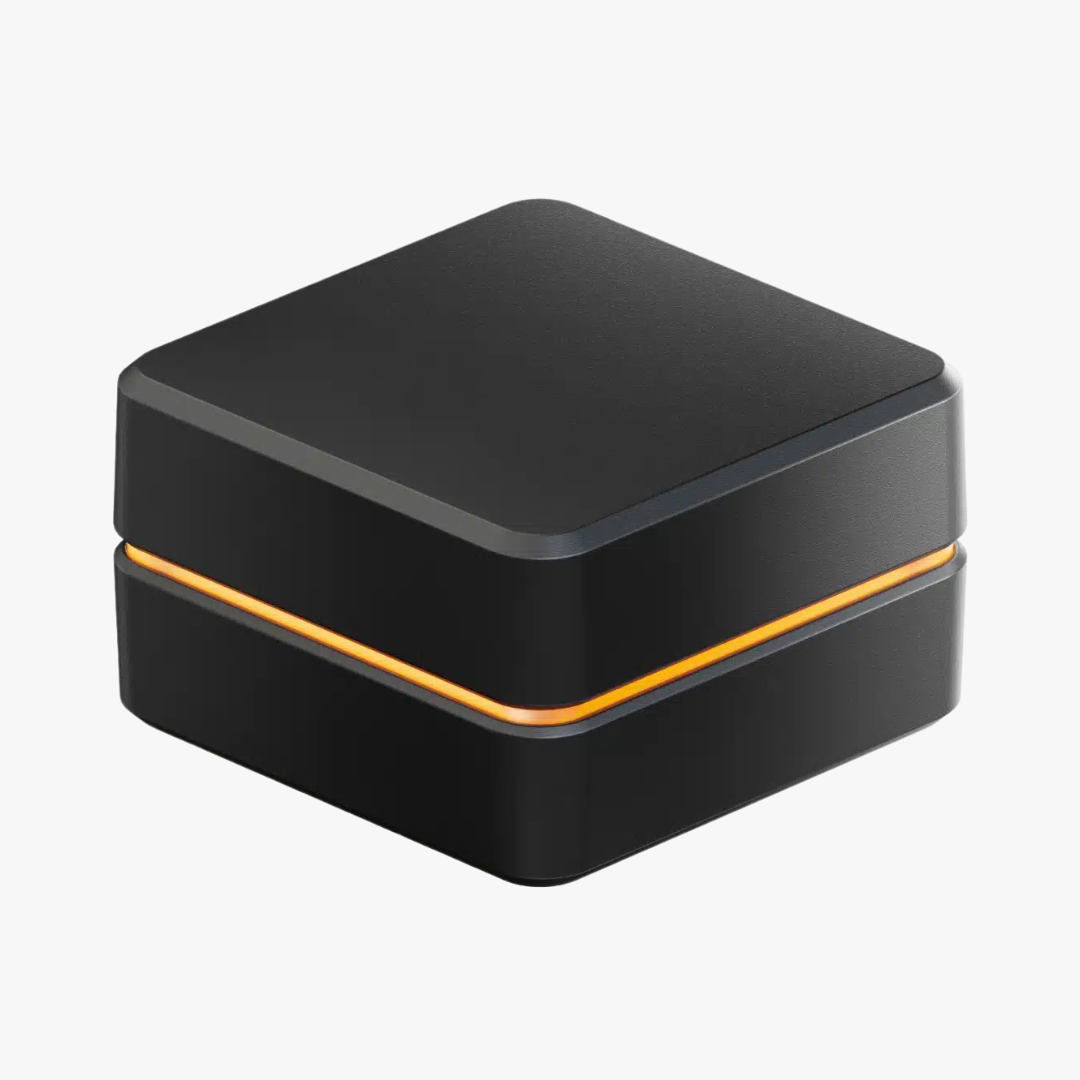
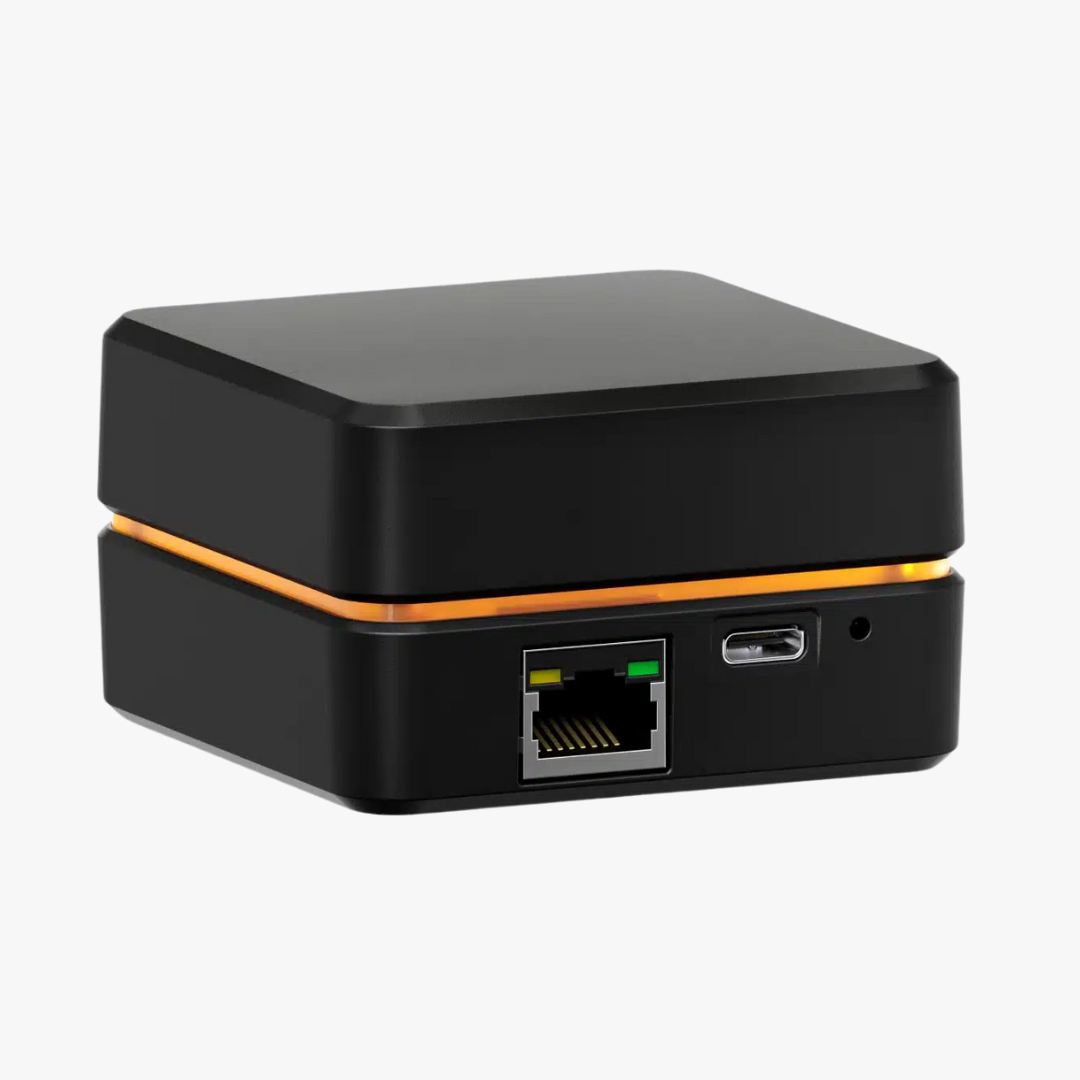
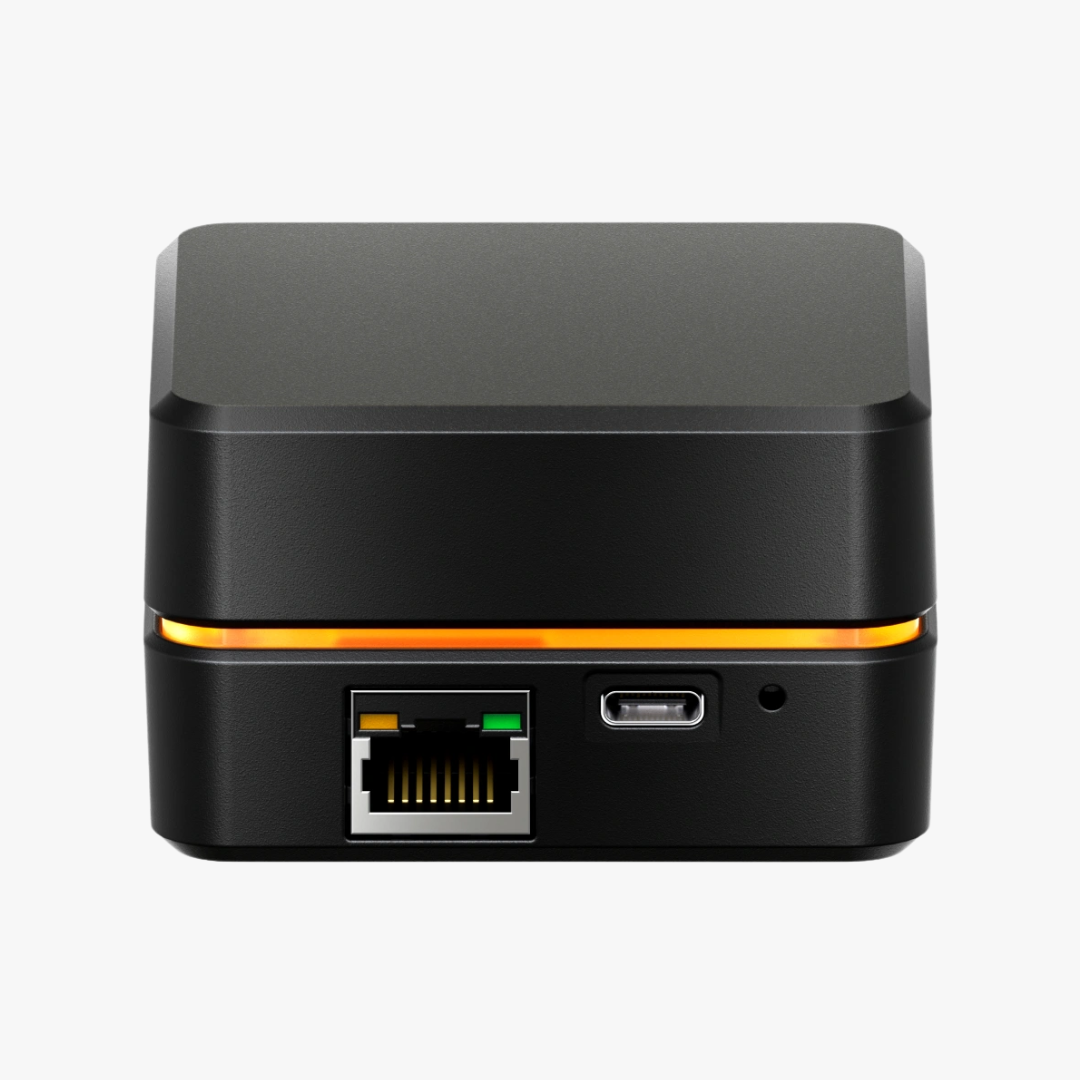
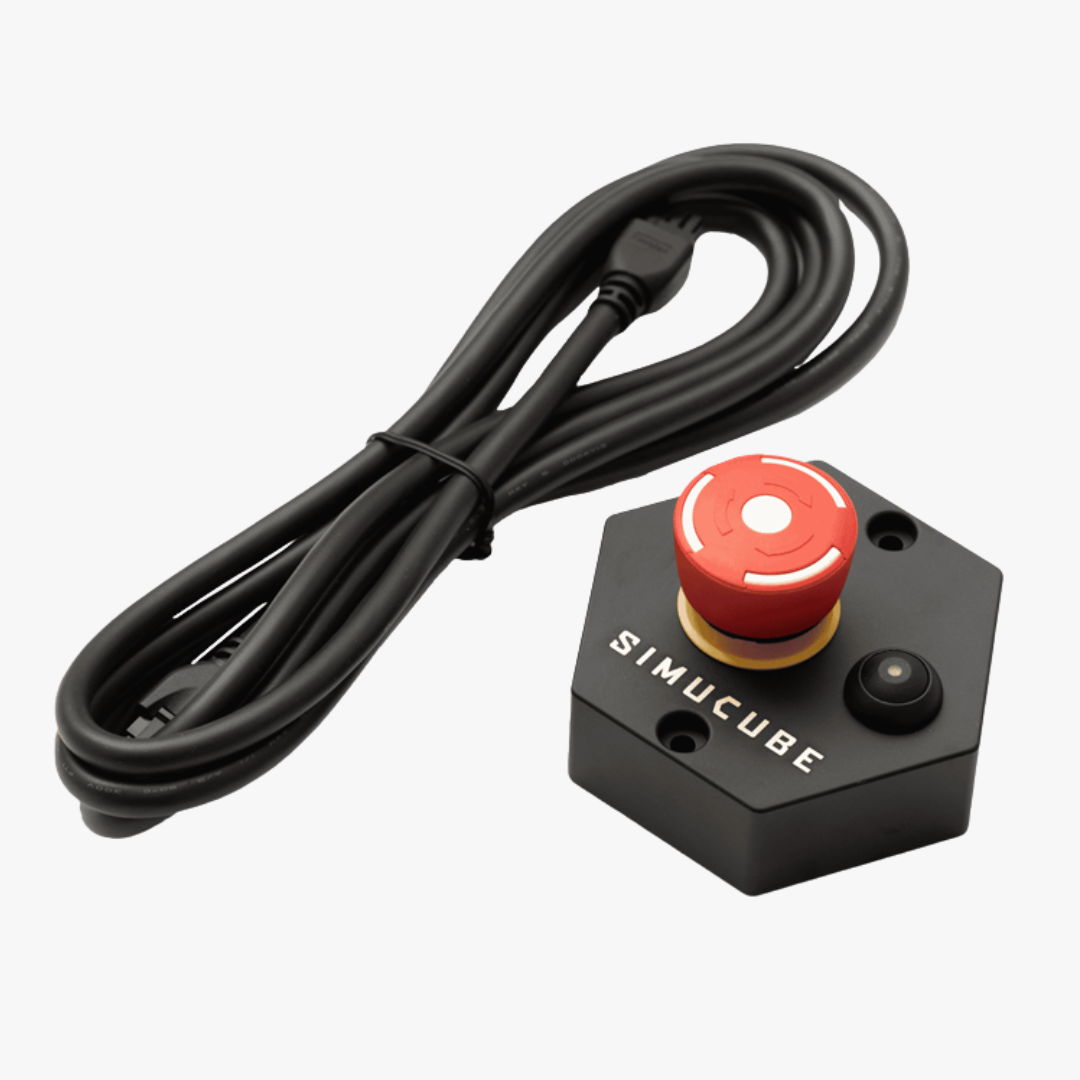
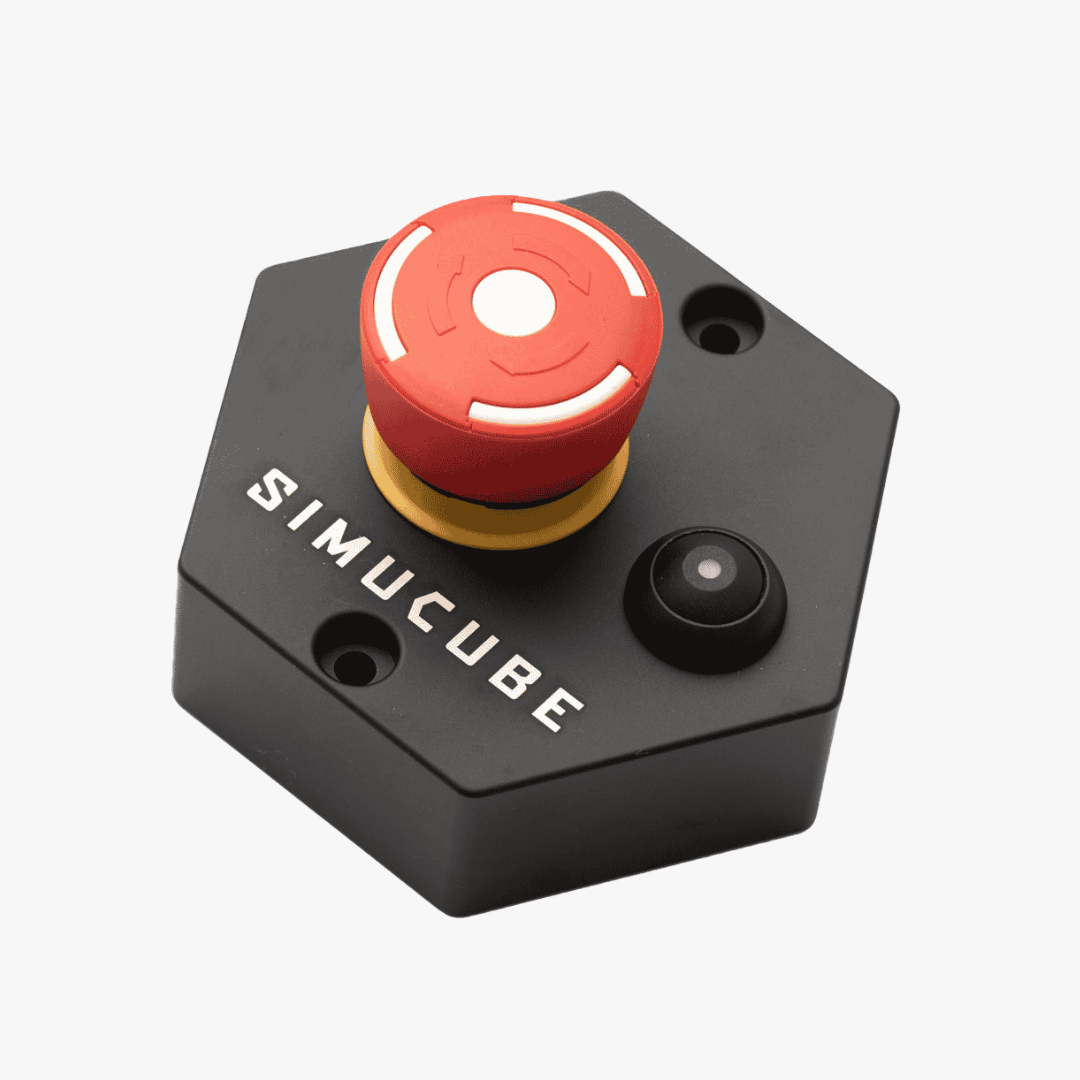
Simucube Premium Torque Off Button
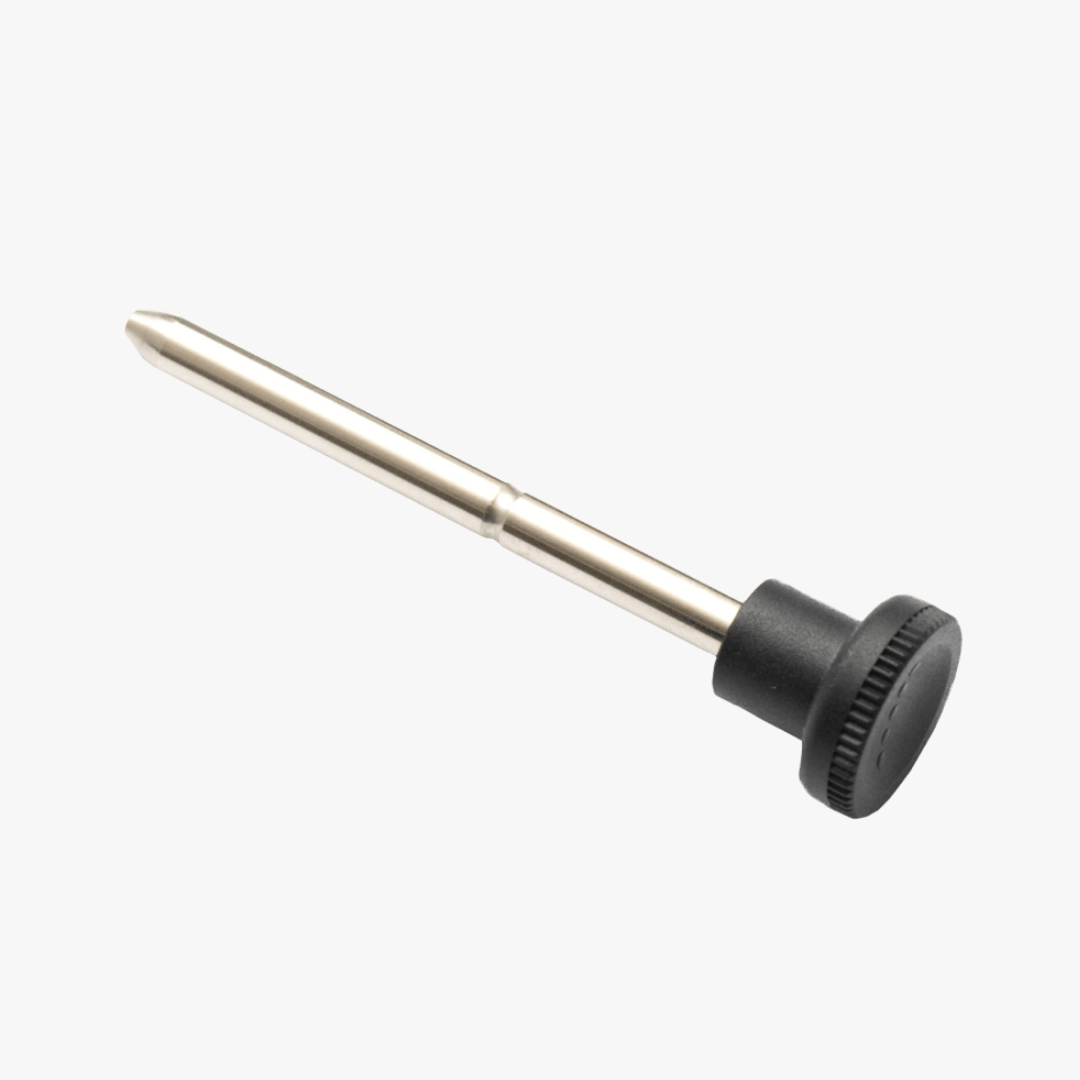
Simucube Quick Release Lock Pin


Simucube Quick Release Wheel Side Kit
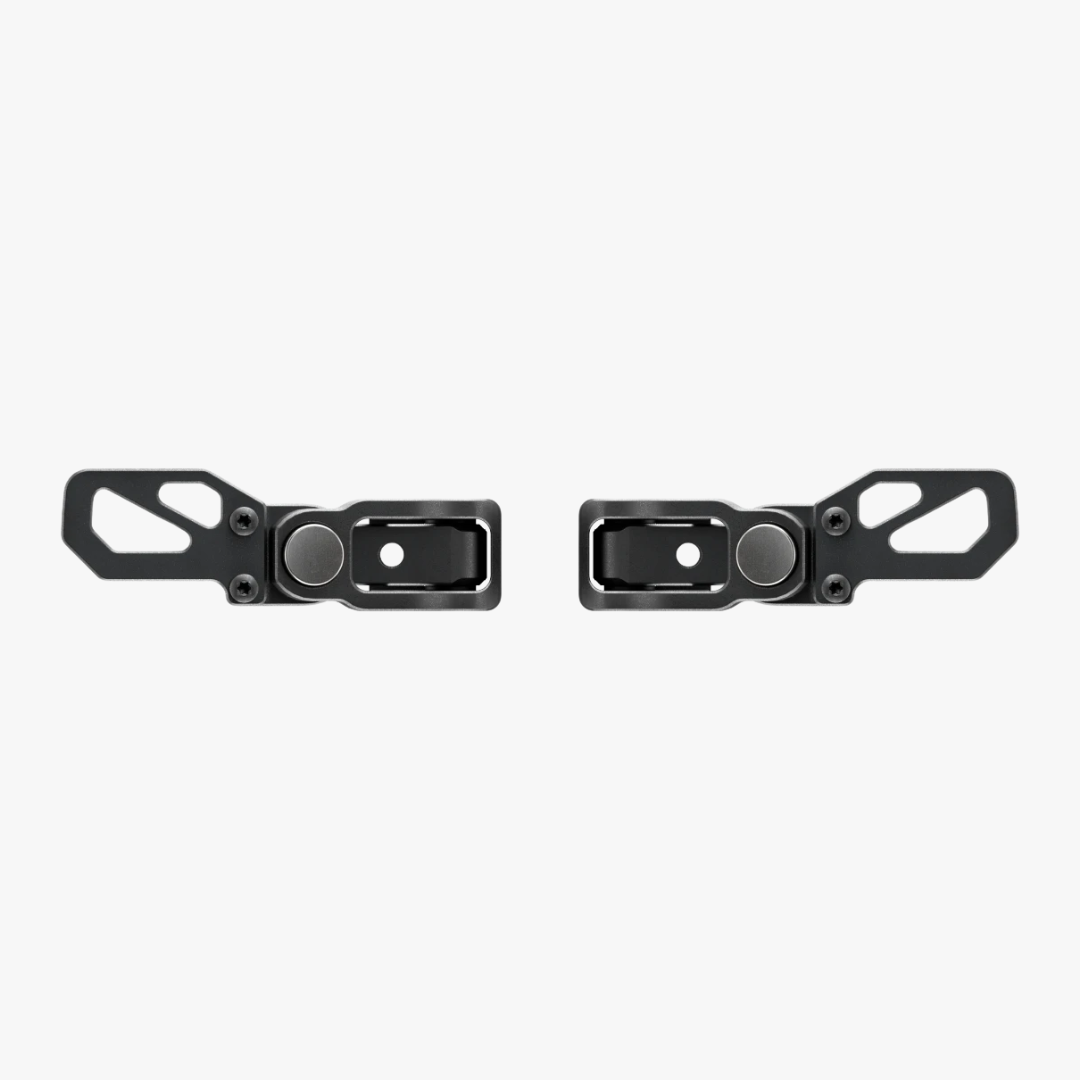
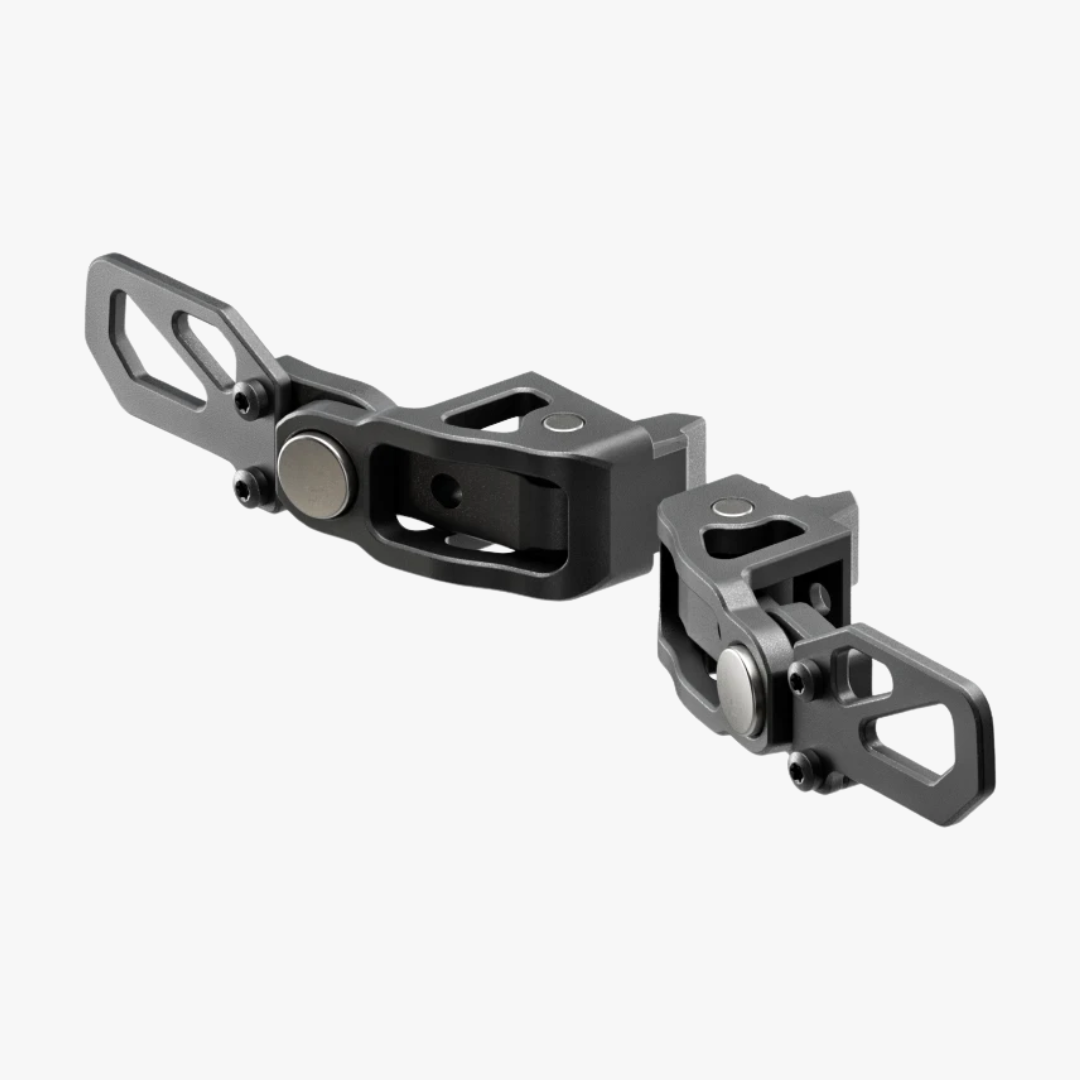
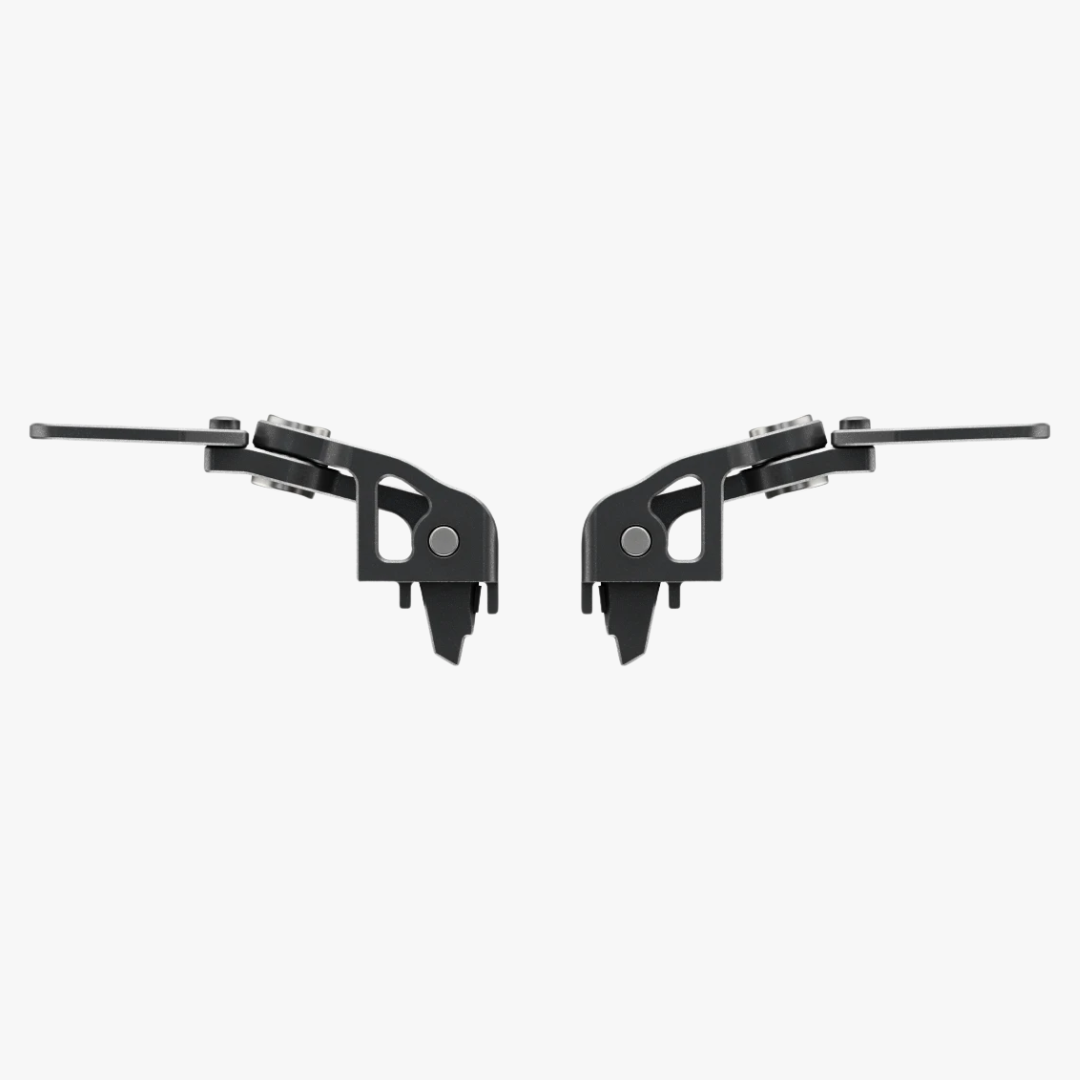
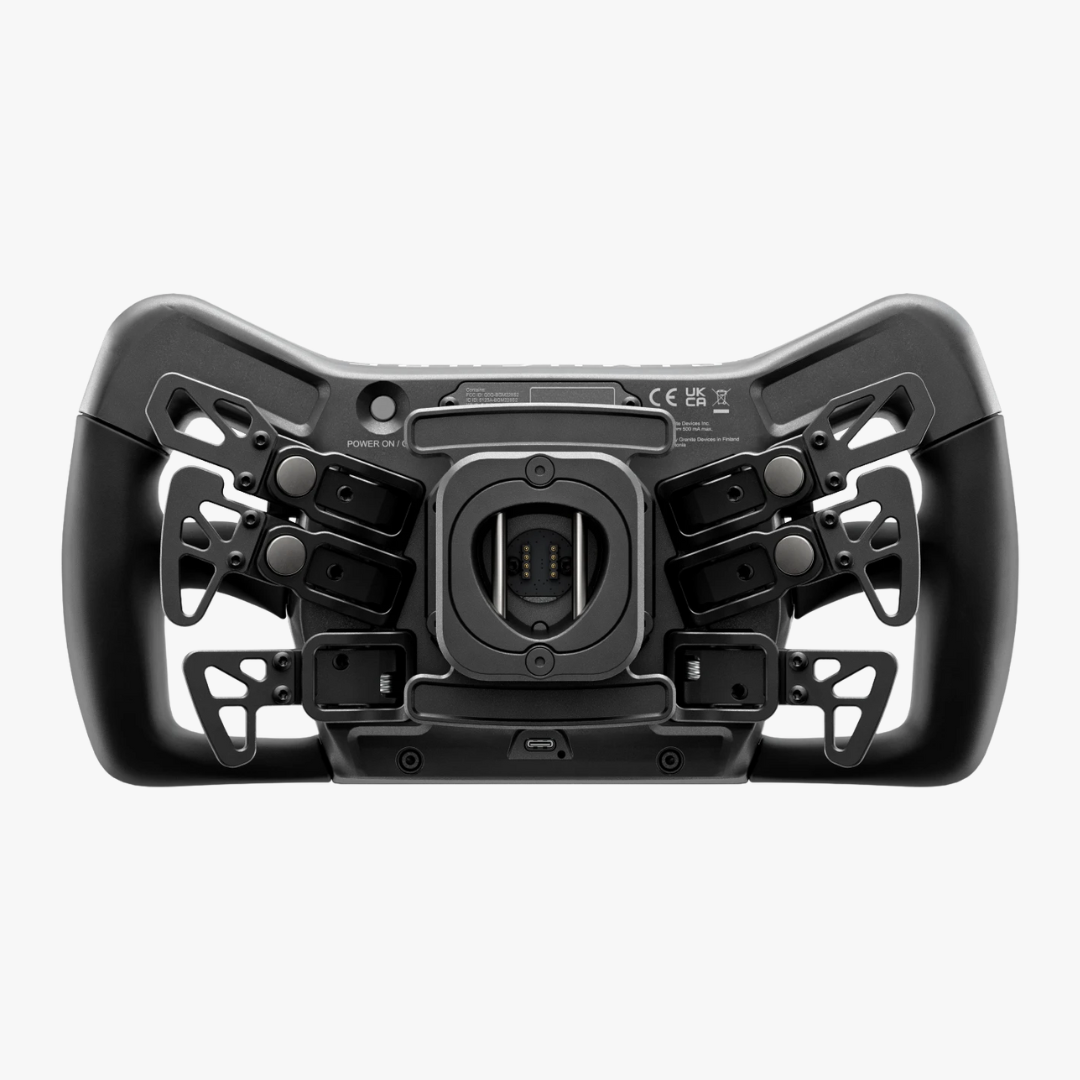
Simucube Savu Extra Paddle Kit


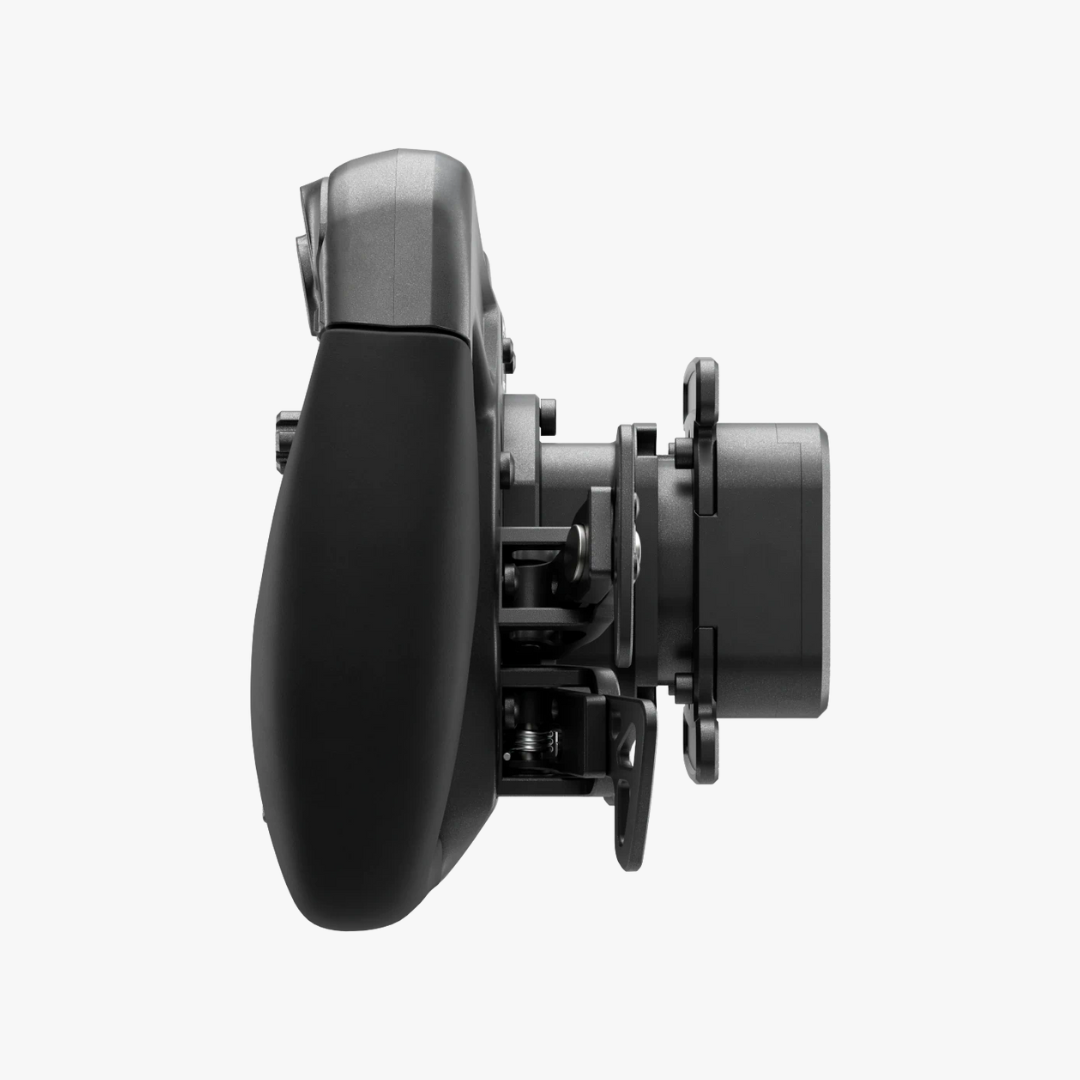
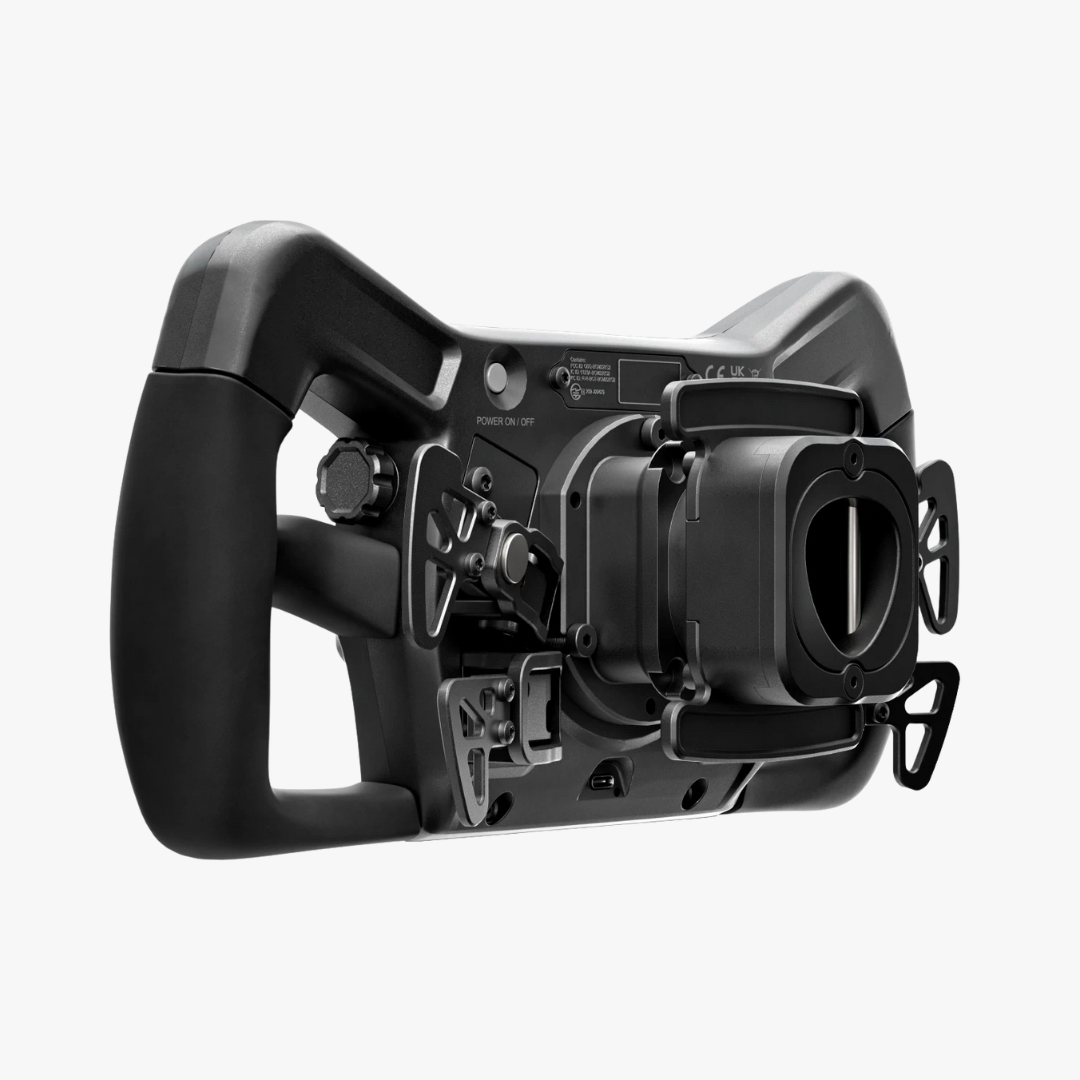
Simucube Savu Pro Wheel - SC3 QR


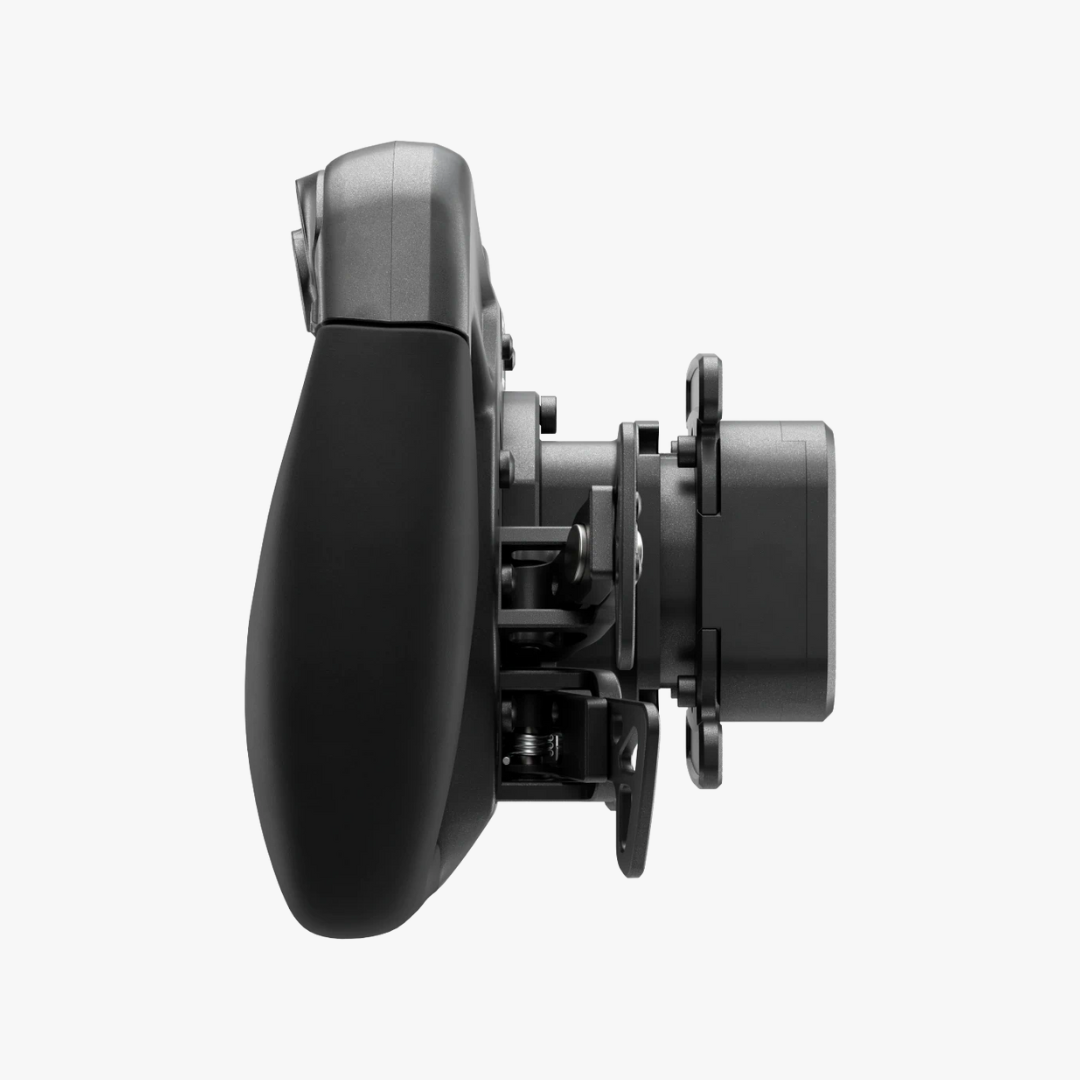
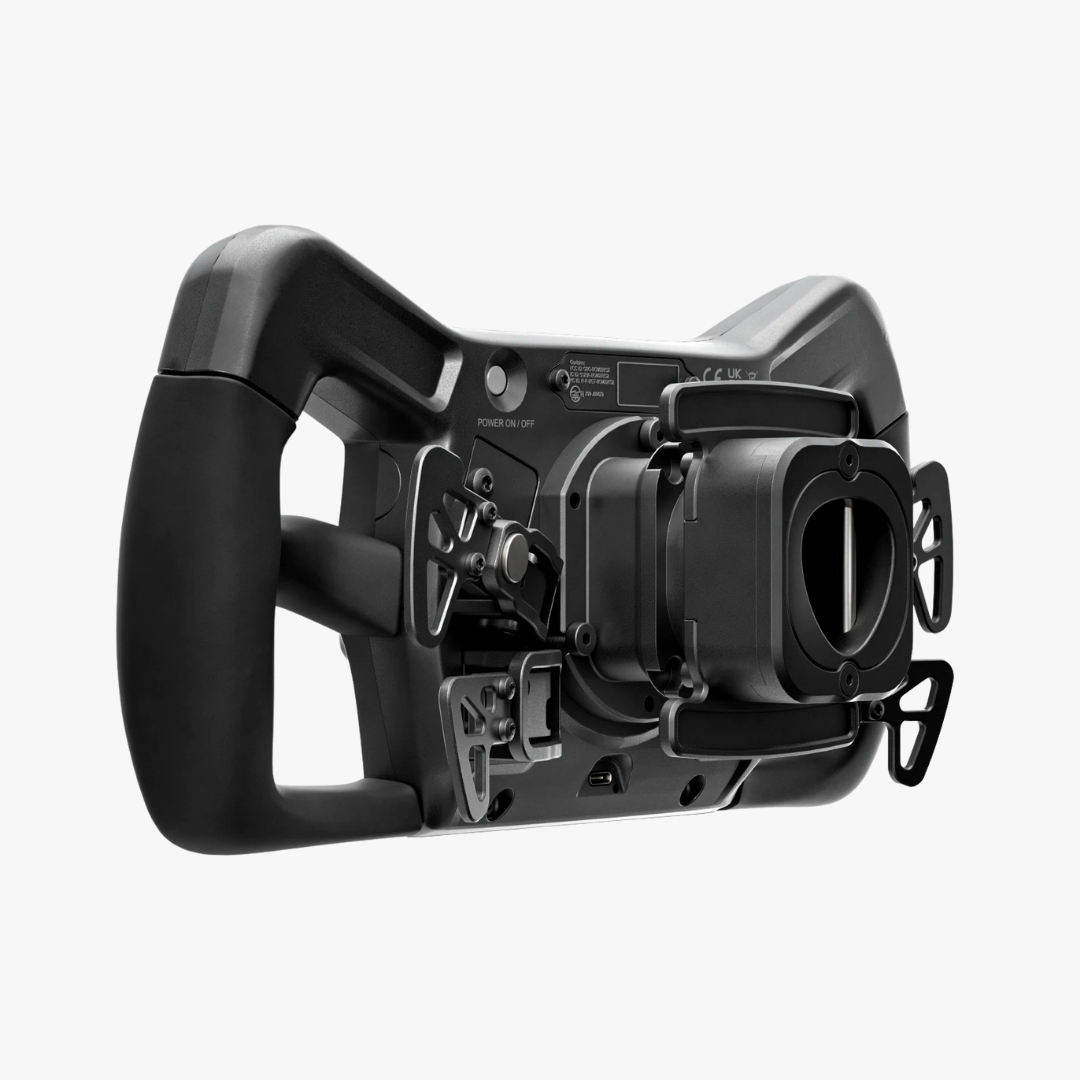
Simucube Savu Sport Wheel - SC3 QR


Simucube Tahko GT-21 Wireless Wheel - Black Edition - SC2 QR


Simucube Tahko Round-23 - Black Edition - SC2 QR
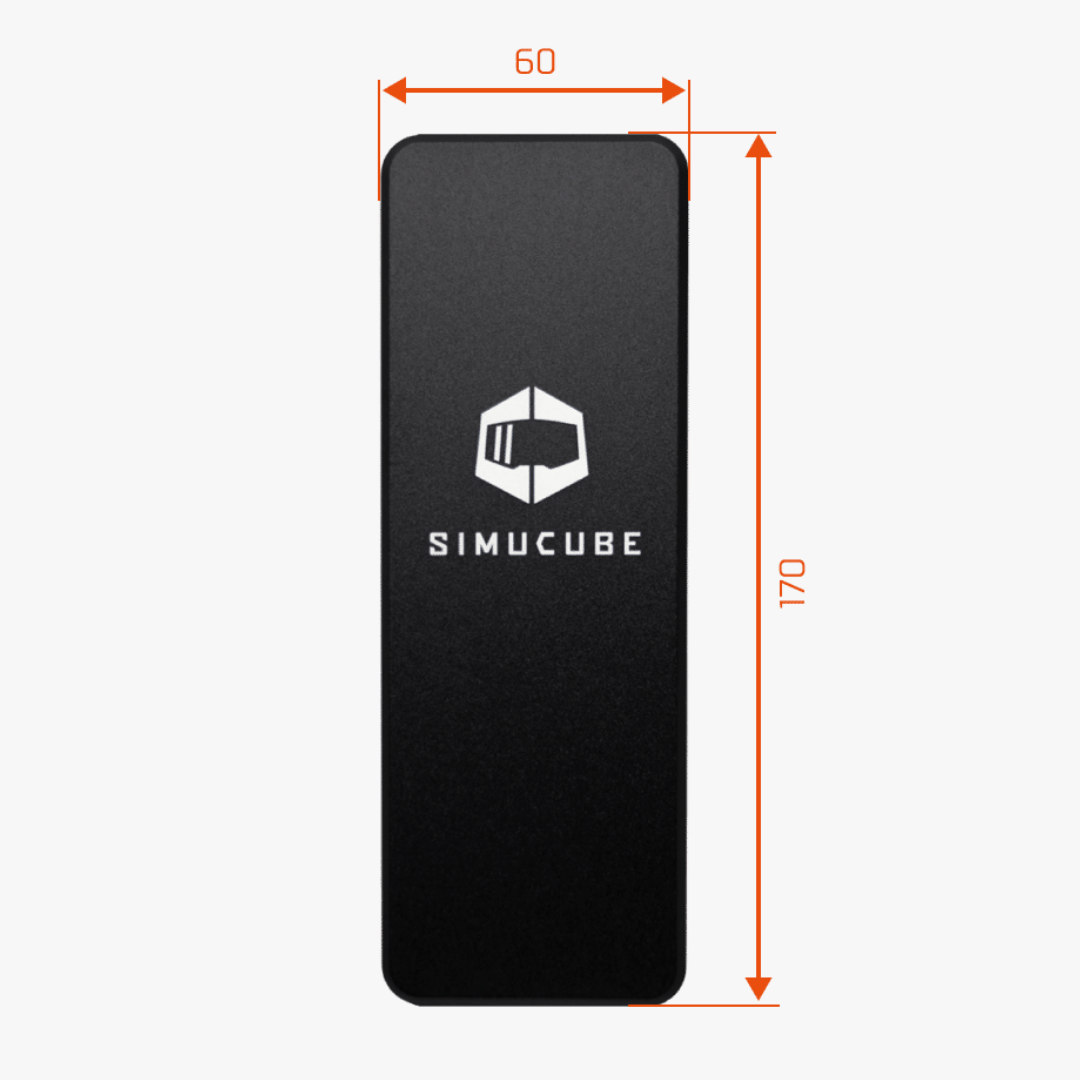
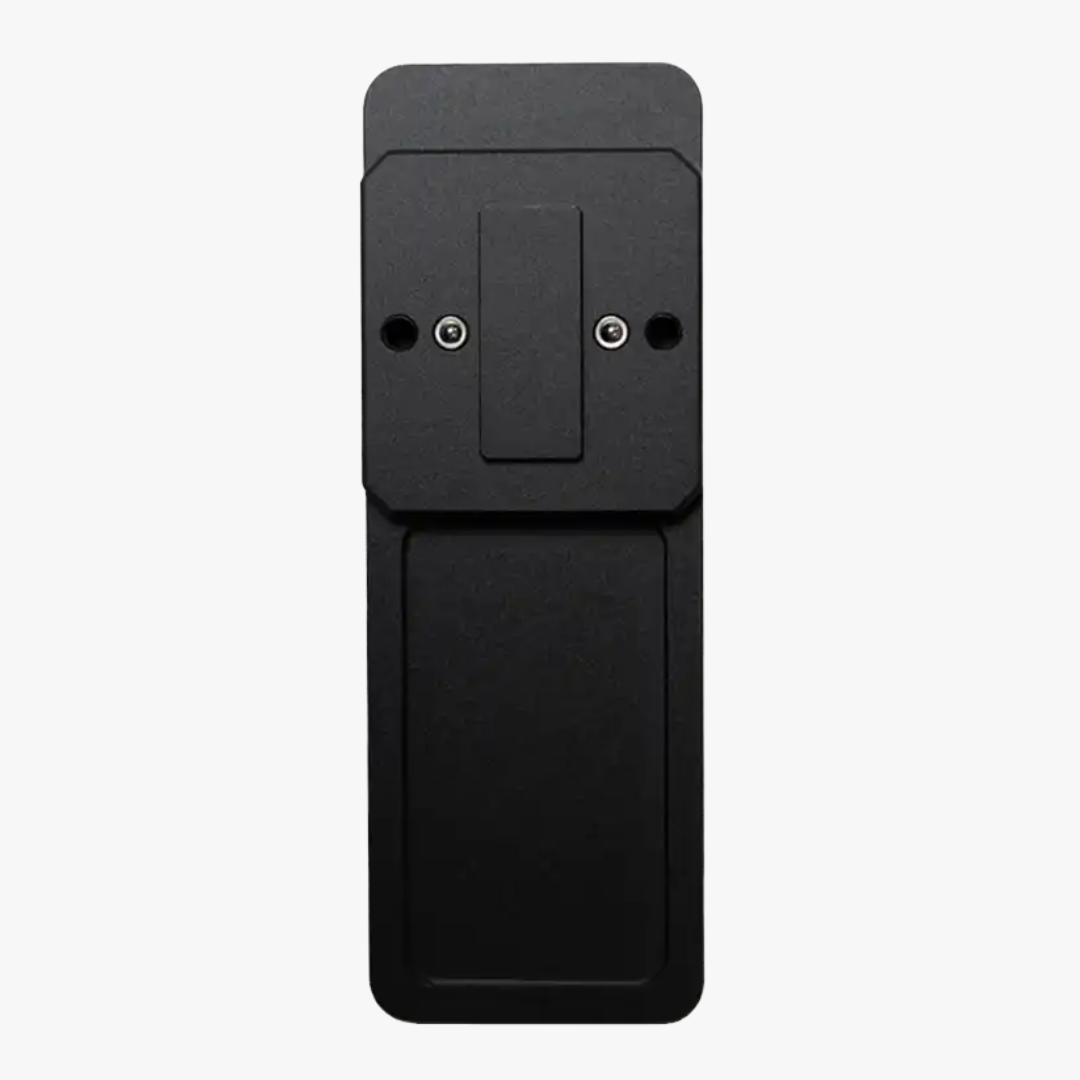
Simucube Throttle Pedal Face Flat
Quick Answer: Choose a Simucube setup by starting with the wheelbase, then match the steering wheel to the correct quick-release system and check cockpit mounting. Add ActivePedal and other accessories only after confirming compatibility with your existing rig.
Simucube Wheelbases, Active Pedals and Steering Wheels
Build or upgrade a Simucube setup with Simucube 3 wheelbases, ActivePedal systems, steering wheels, quick releases and accessories. This collection helps match the base, wheel and pedal system before adding adapters or mounts.
Choose Simucube Hardware by Your Setup
The range covers wheelbases, active pedals, steering wheels and supporting hardware. Simucube 3 Sport, Pro and Ultimate suit different force-feedback needs. ActivePedal Pro and Ultimate provide adjustable pedal resistance. Savu wheels use Simucube 3 Link; Tahko wheels use the Simucube 2 quick release.
How Do You Choose the Right Simucube Setup?
Start with the wheelbase generation and cockpit, then choose controls using the correct connection standard.
SC3 wheelbase: Match Sport, Pro or Ultimate to your force-feedback preference and rig strength.
Active Pedal: Choose when adjustable pedal force and response are important.
Savu wheels: Use the Simucube 3 Link quick-release system.
Tahko wheels: Use the Simucube 2 QR; an adapter is required for Simucube 3.
Before buying: Confirm QR generation, cockpit mounting and pedal compatibility.
Check Quick-Release Compatibility
Simucube 2 and Simucube 3 use different quick-release systems. Check the wheel, base and adapter requirements before ordering.
Compare Simucube With Other Options
Browse the wheelbases collection for direct drive alternatives and the steering wheels collection for other formats. The Simagic Alpha EVO vs Simucube SC2 guide compares both ecosystems.
Apex300 supplies Simucube hardware from Finland across Europe. Check product pages for specifications and setup compatibility carefully.